1. Dashboard
Menu path: Hotel / Dashboard
The dashboard is the manager's first control screen. It summarizes occupancy, room readiness, cleaning workload, maintenance, unpaid balances, and revenue exposure.
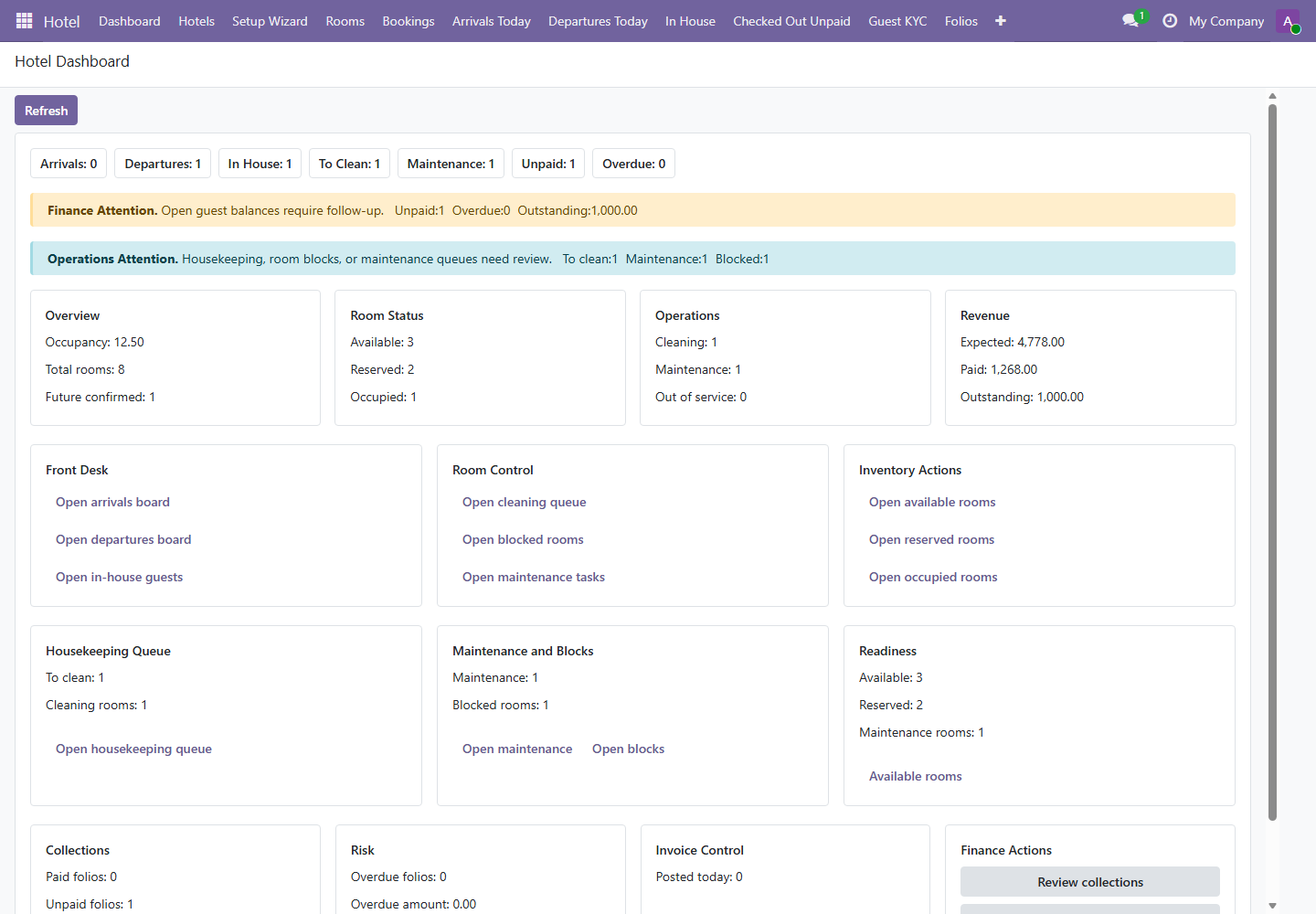
| Dashboard Area | Question Answered | Manager Action |
|---|---|---|
| Arrivals / Departures / In House | What is today's front desk workload? | Plan staffing and prioritize room readiness. |
| Finance Attention | Are open balances or overdue amounts present? | Assign collection or payment follow-up. |
| Operations Attention | Are housekeeping, room block, or maintenance issues blocking rooms? | Coordinate housekeeping and maintenance. |
| Revenue | What is expected, paid, and outstanding? | Compare with daily cash and invoice control. |
2. Operational Boards
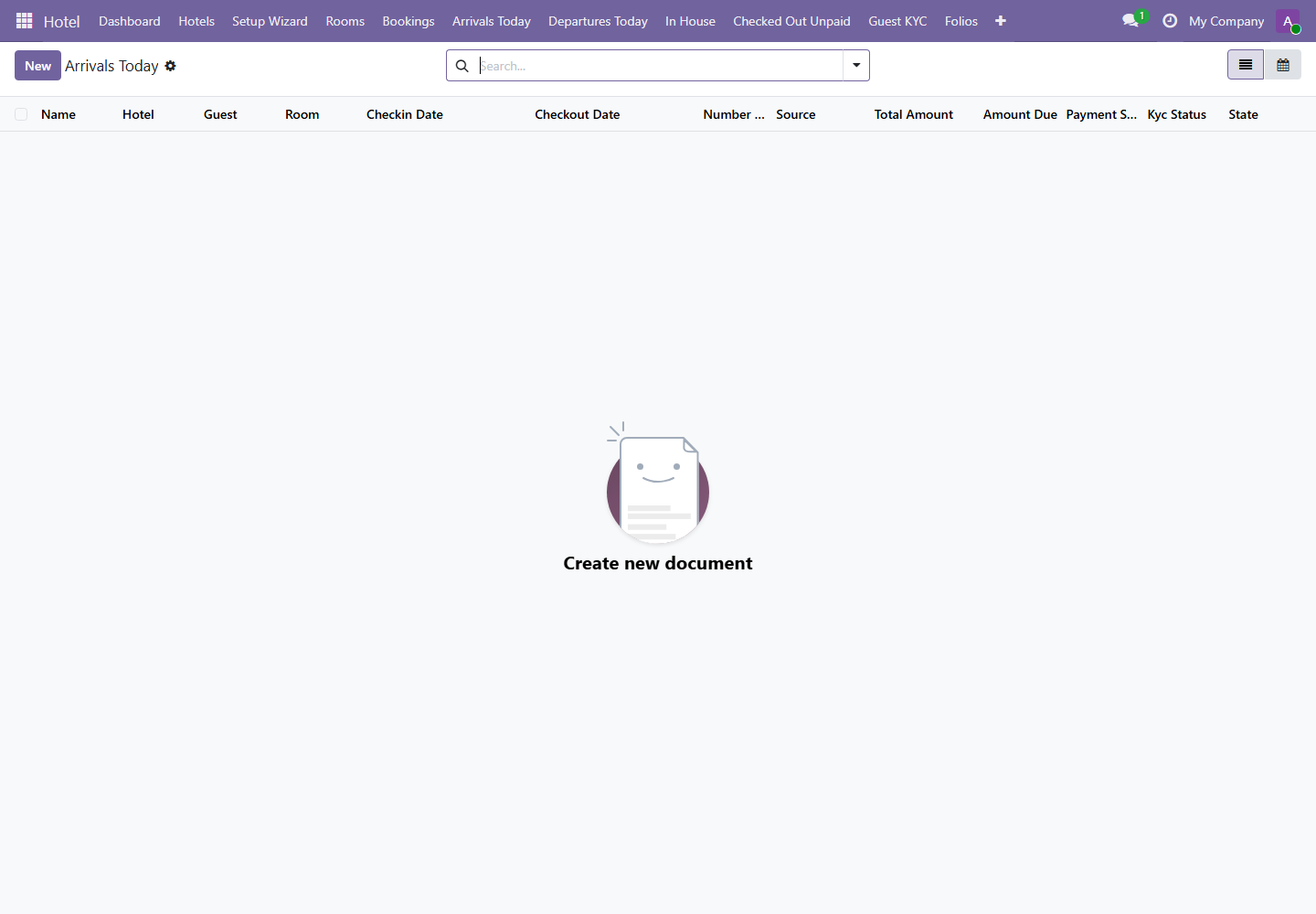
Menus: Hotel / Reports / Arrivals Board, Departures Board, and In House Board
3. Booking Summary
Menu path: Hotel / Reports / Booking Summary
Booking Summary is used for reservation pipeline review. It supports list, calendar, graph, pivot, and form views.
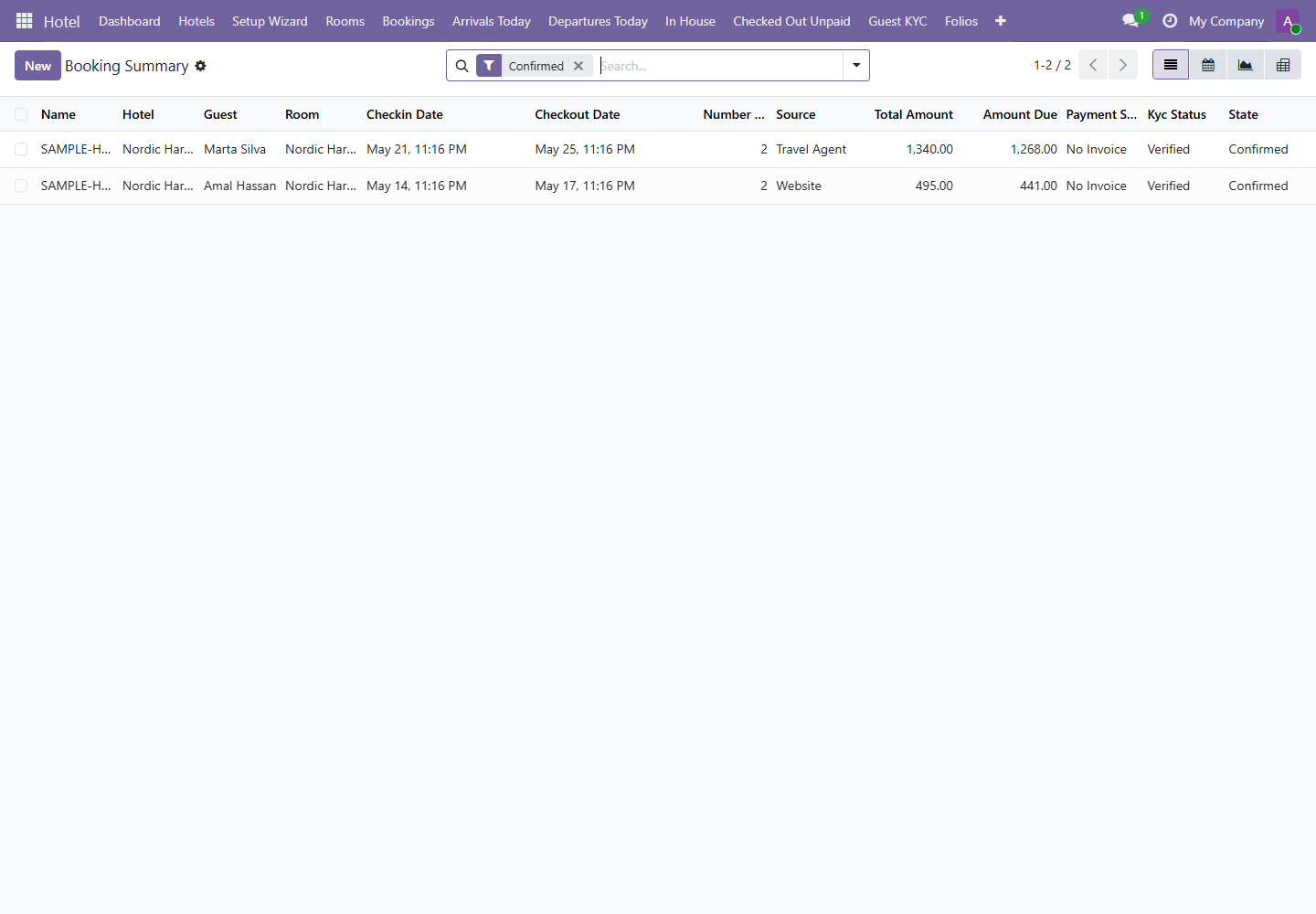
| View | Best Use | Example Decision |
|---|---|---|
| List | Review individual bookings and exceptions. | Follow up high-value bookings with missing payment. |
| Calendar | Understand arrival and departure distribution. | Plan staffing for busy arrival days. |
| Graph | Compare bookings by source or period. | Review website vs travel agent performance. |
| Pivot | Analyze bookings by hotel, source, state, or room. | Prepare weekly occupancy and pipeline report. |
4. Folio Analytics
Menu path: Hotel / Reports / Folio Analytics
Folio Analytics is the key revenue and payment control report. It shows total amount, amount paid, residual amount, outstanding amount, overdue amount, deposit liability, and payment state.
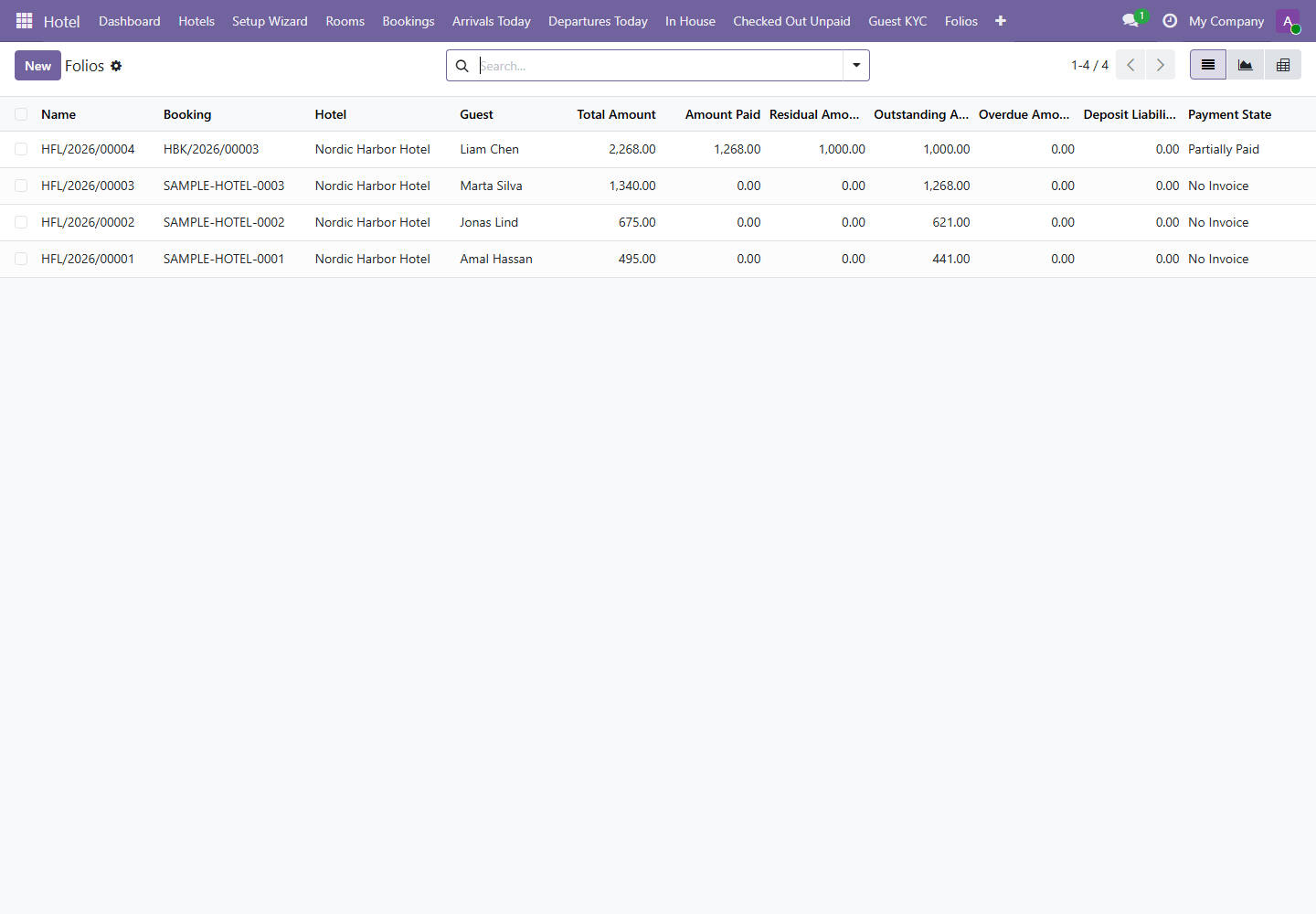
| Field | Meaning | Manager Action |
|---|---|---|
| Total Amount | Total charges on the folio. | Compare against expected stay value. |
| Amount Paid | Payments already recorded. | Reconcile against payment journals. |
| Residual Amount | Remaining invoice balance. | Confirm collection before checkout where possible. |
| Outstanding Amount | Operational amount still owed. | Assign follow-up if guest has departed. |
| Deposit Liability | Prepaid amount that must be reconciled against final service. | Review with accounting. |
5. Exception Reports
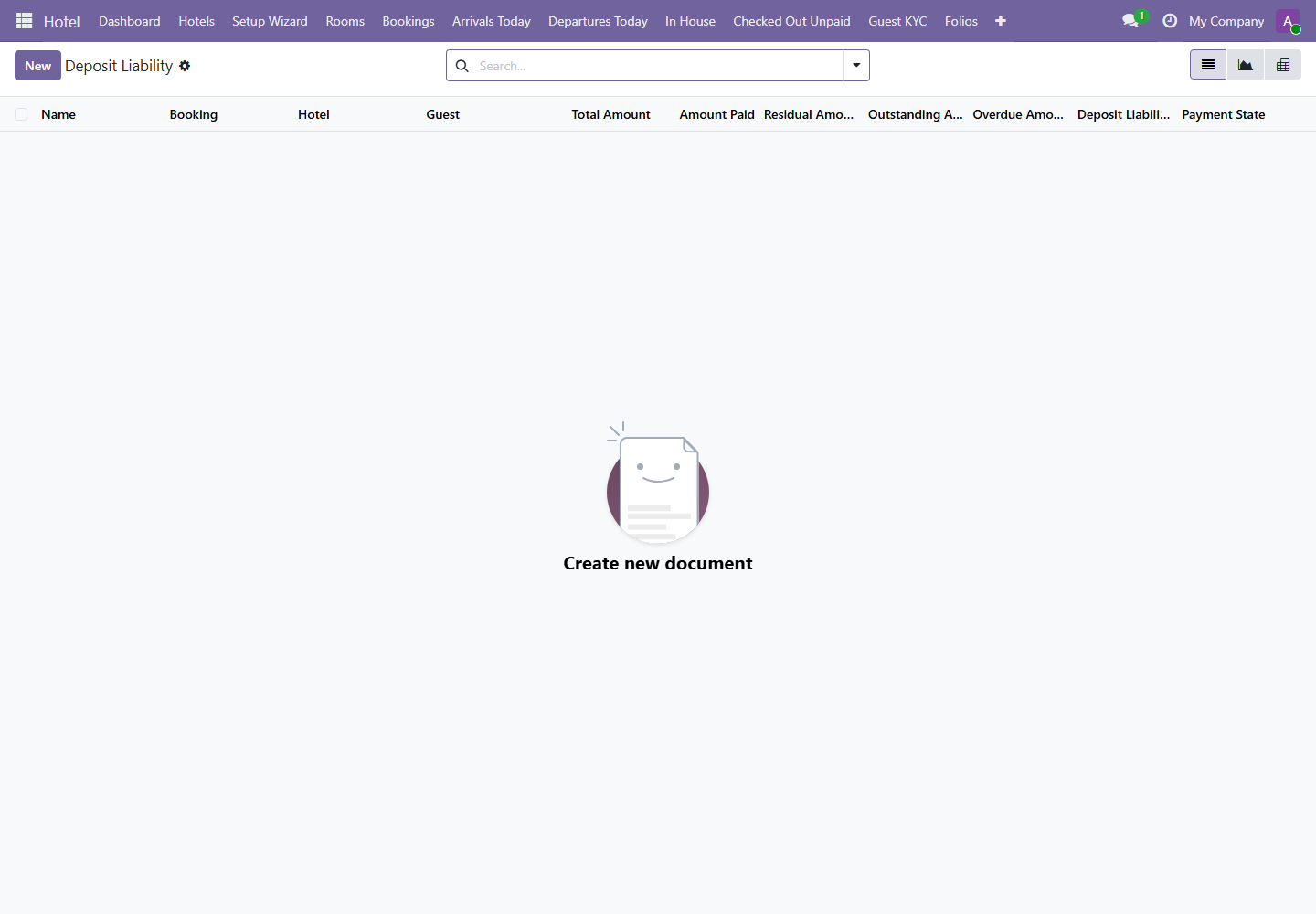
Menus: Checked Out Unpaid, Overdue Folios, and Deposit Liability
Exception reports should be small. If these lists are growing, the operation has a control problem that should be corrected through staff training, payment policy, or accounting follow-up.
| Report | Use When | Action Required |
|---|---|---|
| Checked Out Unpaid | Guest has checked out but payment state is unpaid or partial. | Assign collection follow-up and review why checkout happened before full settlement. |
| Overdue Folios | Folio overdue amount is greater than zero. | Escalate to accounting or management collection process. |
| Deposit Liability | Deposit was collected before final service or invoice closure. | Reconcile with final invoice and accounting liability. |
6. Invoices Posted Today
Menu path: Hotel / Reports / Invoices Posted Today
Use this report during the daily close. It lists hotel invoices posted today so accounting can compare posted invoices with payments and front desk handover.
- Open the report before end-of-day close.
- Review each invoice and confirm it belongs to a hotel booking.
- Compare posted invoice totals with payment records.
- Investigate invoices that are posted but unpaid without an approved reason.