Daily Accounting Flow
1. Accounting Dashboard
Menu path: Accounting / Dashboard
The dashboard is the first accounting control screen. It summarizes sales, purchases, bank/cash journals, unpaid documents, late balances, and available bank import or transaction actions.
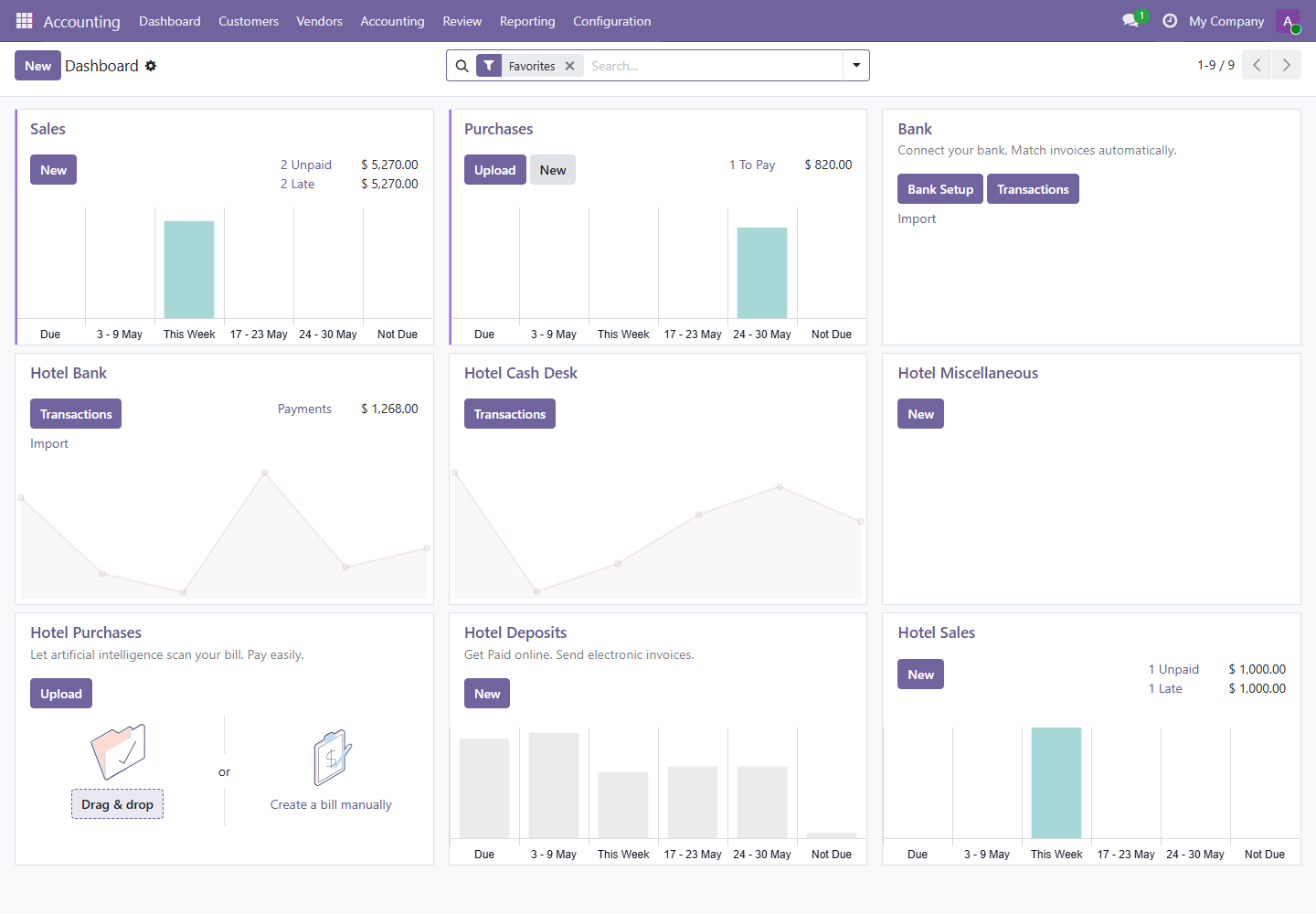
- 1Use Sales and Hotel Sales to see unpaid or late customer invoices.
- 2Use Purchases to see vendor bills waiting for payment.
- 3Use Bank, Hotel Bank, and Hotel Cash Desk to open transactions and import statements.
2. Customer Invoices
Menu path: Accounting / Customers / Invoices
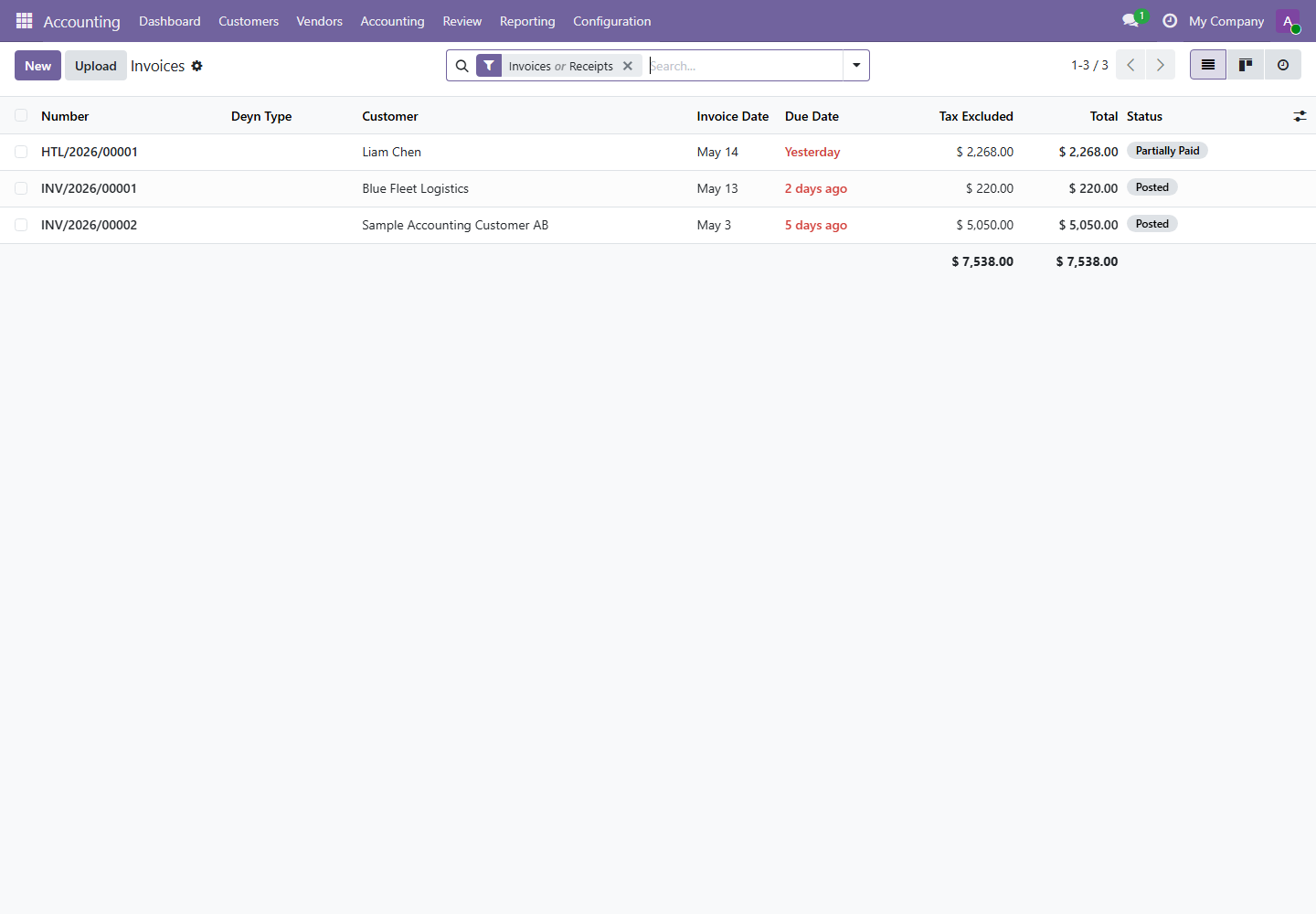
Customer invoices record money owed by customers. Hotel final invoices and deposit invoices also appear here when posted from hotel folios.
- Open
Accounting / Customers / Invoices. - Use filters to find draft, posted, unpaid, partial, or late invoices.
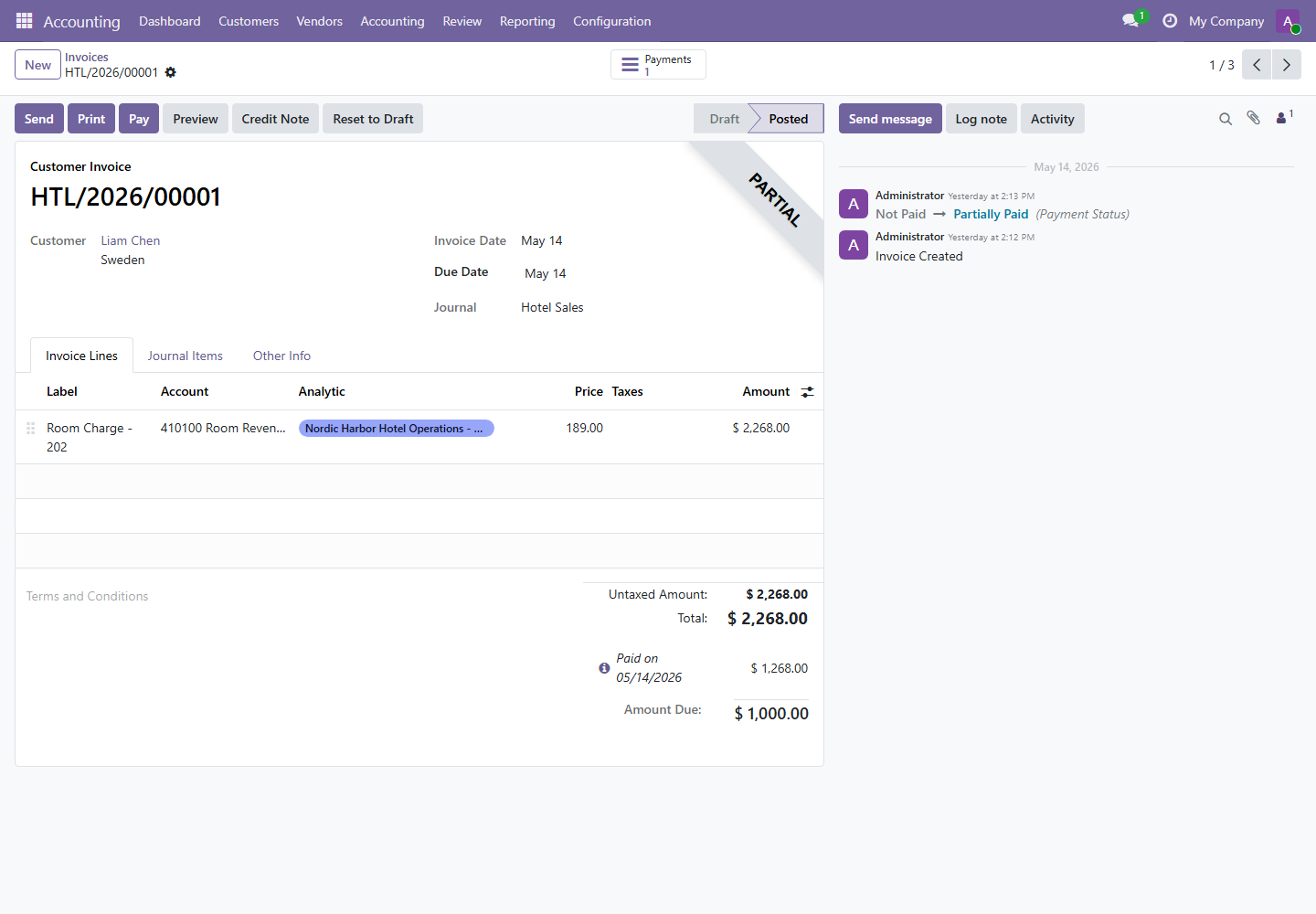
- Open the invoice and confirm customer, invoice date, due date, journal, invoice lines, taxes, and analytic distribution.
- Click Post when the invoice is complete, or Reset to Draft only when correction is authorized.
- Use Credit Note for approved customer refunds or invoice corrections.
| Button or Field | Meaning | Control Rule |
|---|---|---|
Post | Confirms the accounting entry. | Only post after customer, taxes, accounts, and amount are reviewed. |
Pay | Starts payment registration. | Use only when actual payment has been received. |
Credit Note | Creates a reversing customer document. | Requires management or accounting approval. |
Amount Due | Unpaid invoice balance. | Must be reviewed before checkout or collection follow-up. |
3. Customer and Vendor Payments
Menus: Accounting / Customers / Payments and Accounting / Vendors / Payments
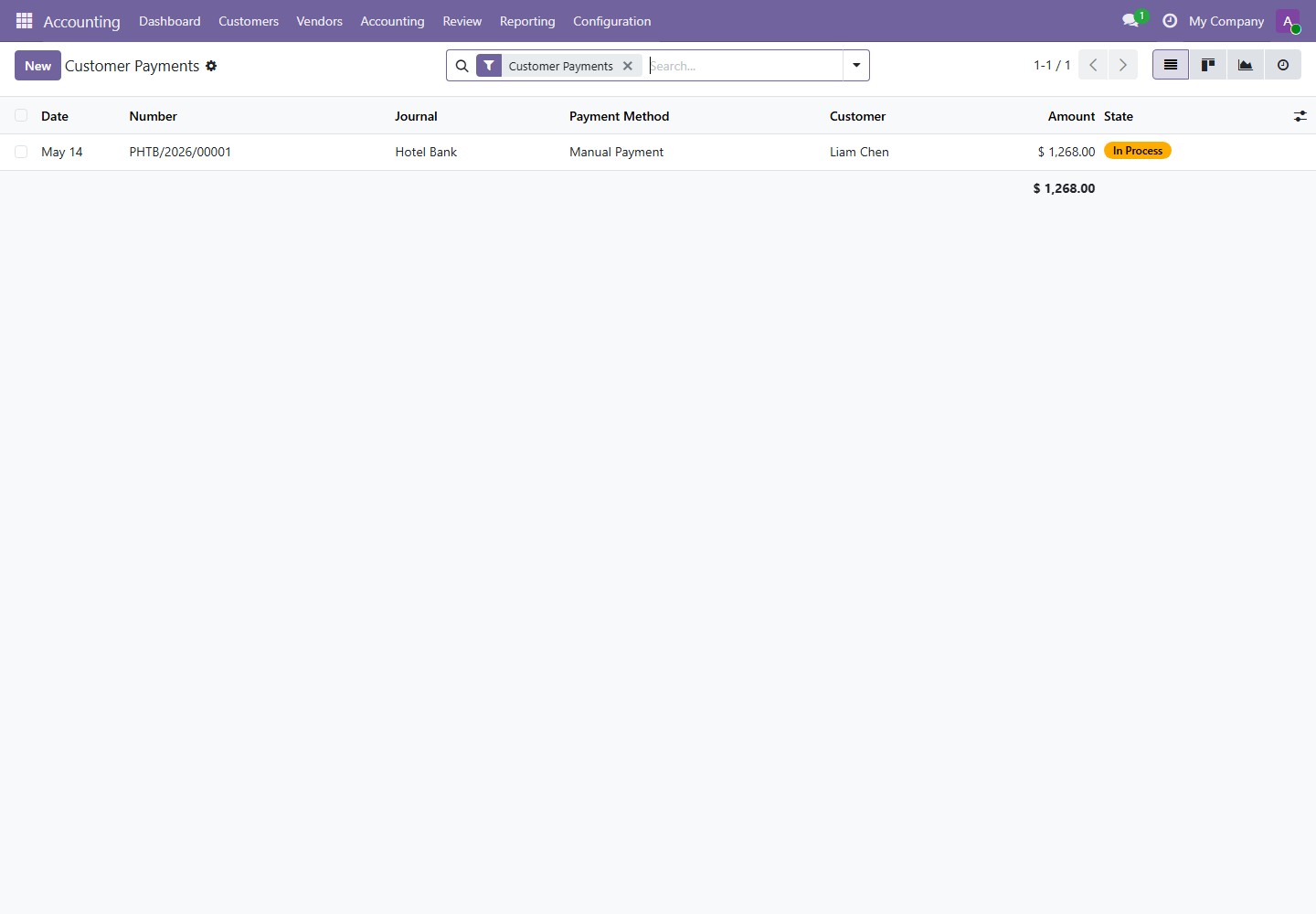
Payments record money received from customers or paid to vendors. A payment should match the real bank, cash, or payment provider transaction.
- Open the related invoice or bill.
- Click Pay or Register Payment.
- Select journal, payment date, amount, and payment method.
- Confirm the payment and verify the invoice or bill payment state.
- Reconcile bank or cash transactions when bank statements are imported.
4. Vendor Bills
Menu path: Accounting / Vendors / Bills
Vendor bills record supplier costs. They affect expenses, payables, taxes, and cash planning.
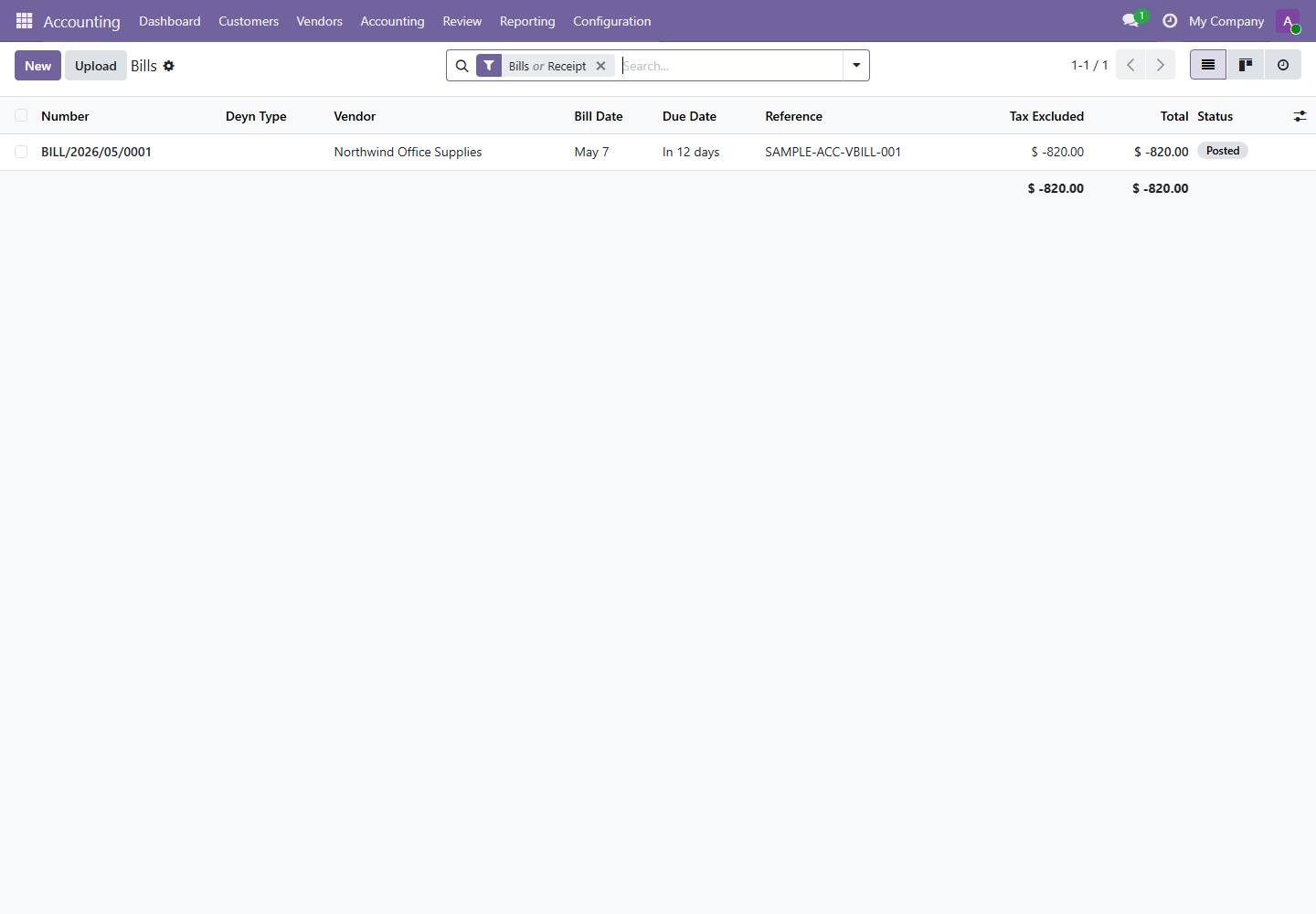
- Open vendor bills from the dashboard or Vendors menu.
- Check vendor, bill date, due date, bill reference, expense account, tax, and analytic distribution.
- Post the bill after review.
- Register payment only when the supplier payment is approved and executed.
5. Journal Entries and Journal Items
Menus: Accounting / Accounting / Transactions / Journal Entries and Review / Control / Journal Items
Journal entries are the accounting records behind invoices, bills, payments, adjustments, assets, and manual entries. Journal items are the individual debit and credit lines.
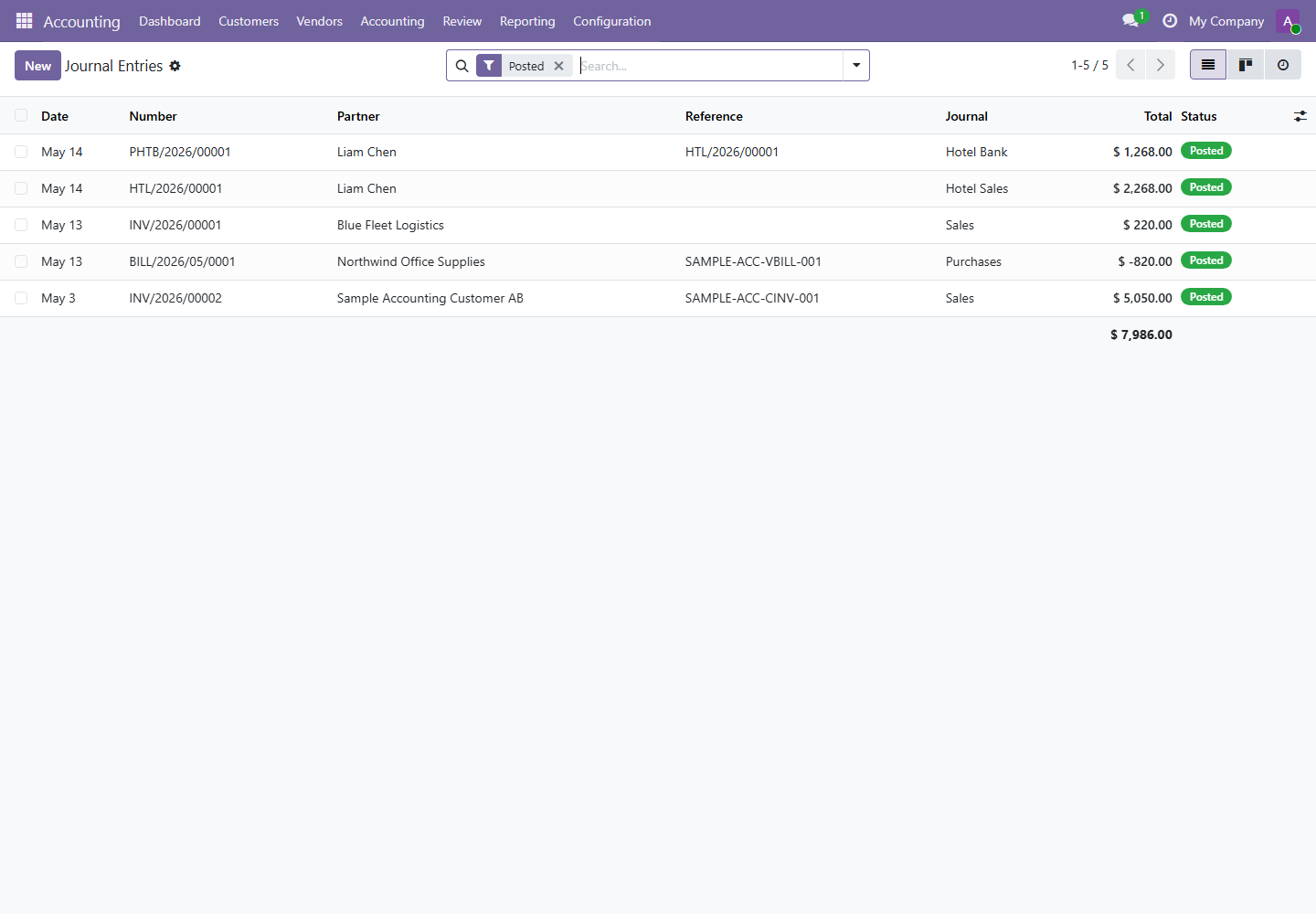
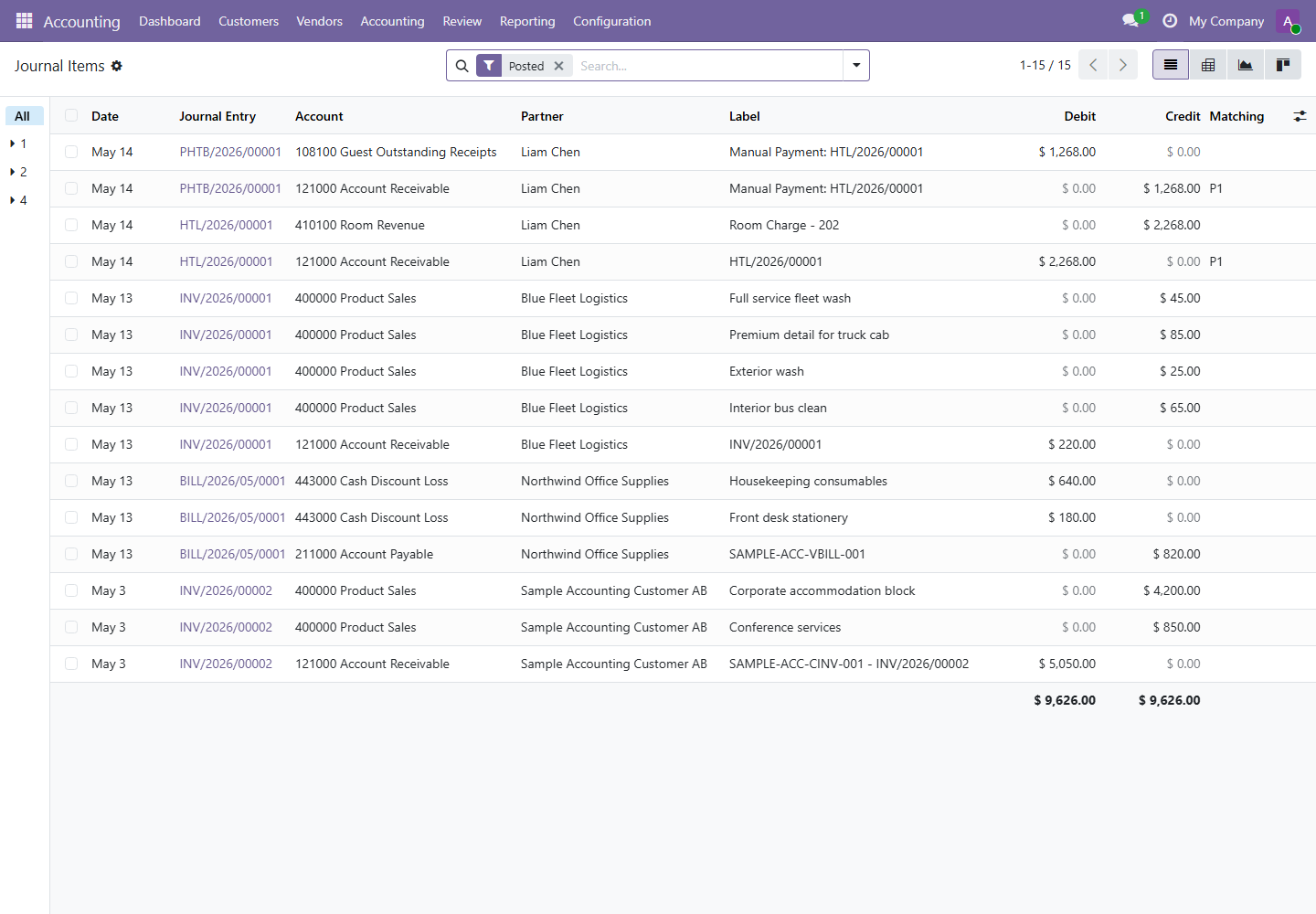
Manual journal entries should be limited to approved adjustments. Use supporting notes and attachments where possible.
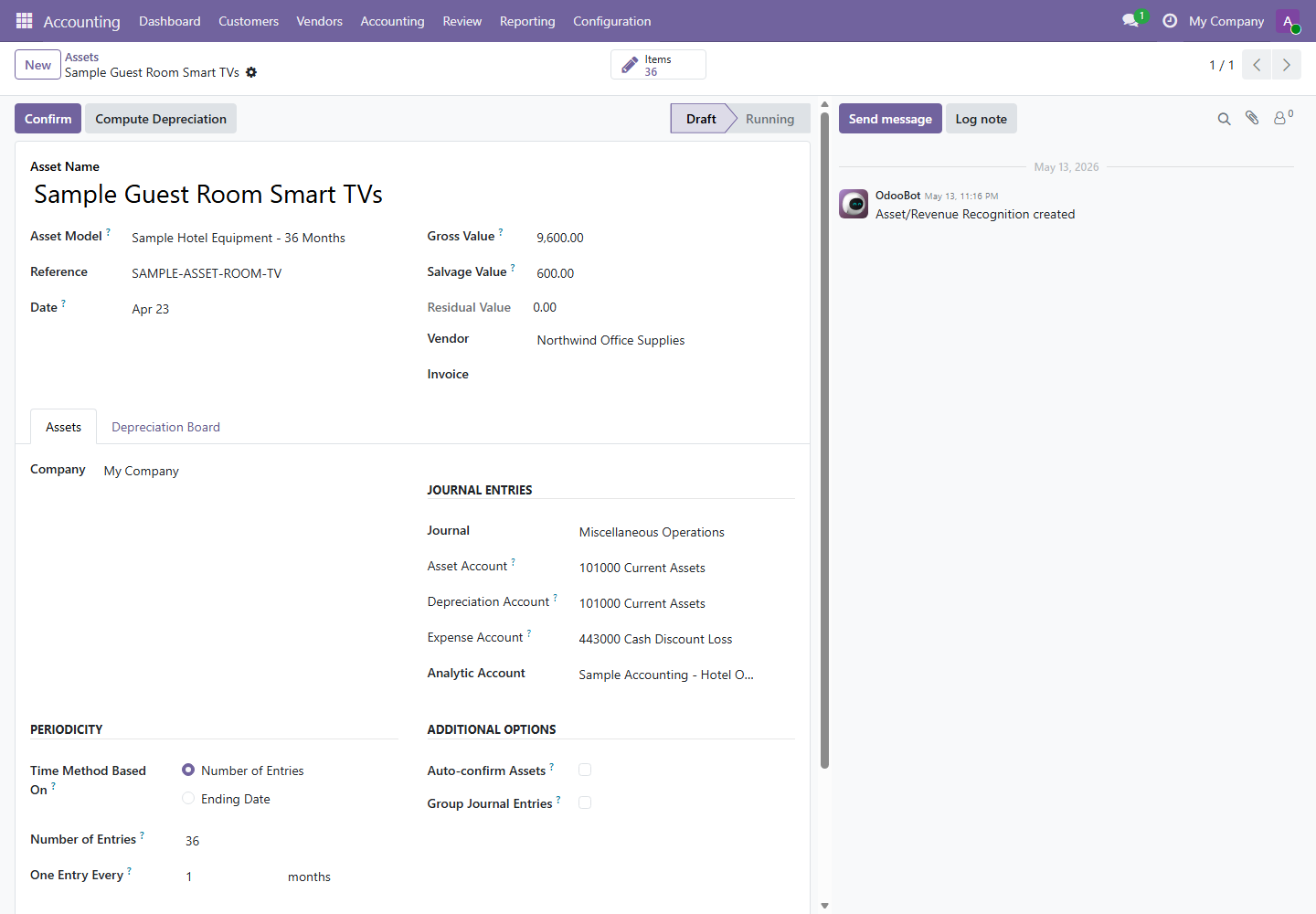
6. Budgets and Assets
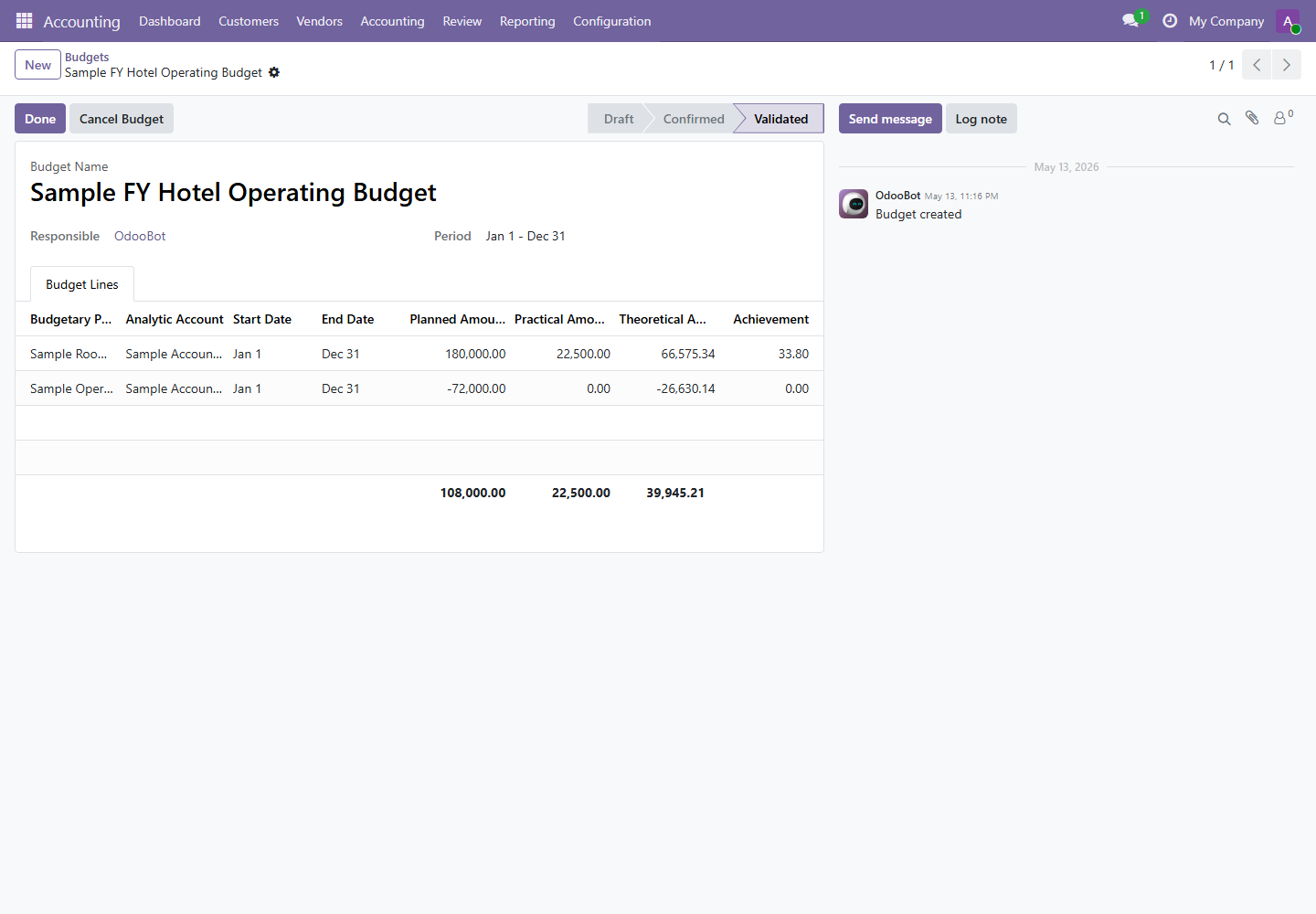
Menus: Accounting / Accounting / Budgets and Accounting / Accounting / Management / Assets
Budgets compare planned amounts against practical and theoretical amounts. Assets control capitalization and depreciation.
7. End-of-Day Accounting Close
- Review unpaid and late customer invoices from the dashboard.
- Review vendor bills to pay and payments created today.
- Check hotel folio invoices and payments against front desk handover.
- Review Follow-up Reports for open receivables.
- Run daily reports: Day Book, Cash Book, Bank Book, and Invoices Posted Today if hotel operation is active.
- Use Lock Dates only after the period has been reviewed and approved.