1. System Overview
The Hotel app is the operational center for reservation handling, room readiness, guest identity verification, stay billing, housekeeping, and reporting.
2. Staff Roles and Responsibilities
| Role | Primary Screens | Responsibility |
|---|---|---|
| Receptionist | Bookings, Arrivals Today, Guest KYC, In House, Folios, Departures Today. | Handle booking, arrival, check-in, stay updates, payments, and checkout. |
| Reception Manager | Dashboard, all front desk screens, reports. | Supervise shift control, exceptions, staff handover, and unresolved balances. |
| Housekeeping | Housekeeping, Rooms. | Start and complete cleaning tasks, report room issues, and keep room readiness accurate. |
| Accounting | Folios, Checked Out Unpaid, Deposit Liability, Invoices Posted Today, Overdue Folios. | Invoice review, payment reconciliation, deposit liability, and collections. |
| Administrator | Hotels, Setup Wizard, Rooms, Room Types, Floors, Amenities, security groups. | Configure properties, rooms, rates, and operating structure. |
3. Dashboard
Menu path: Hotel / Dashboard
The dashboard is used by reception and management to understand the current state of the hotel operation.
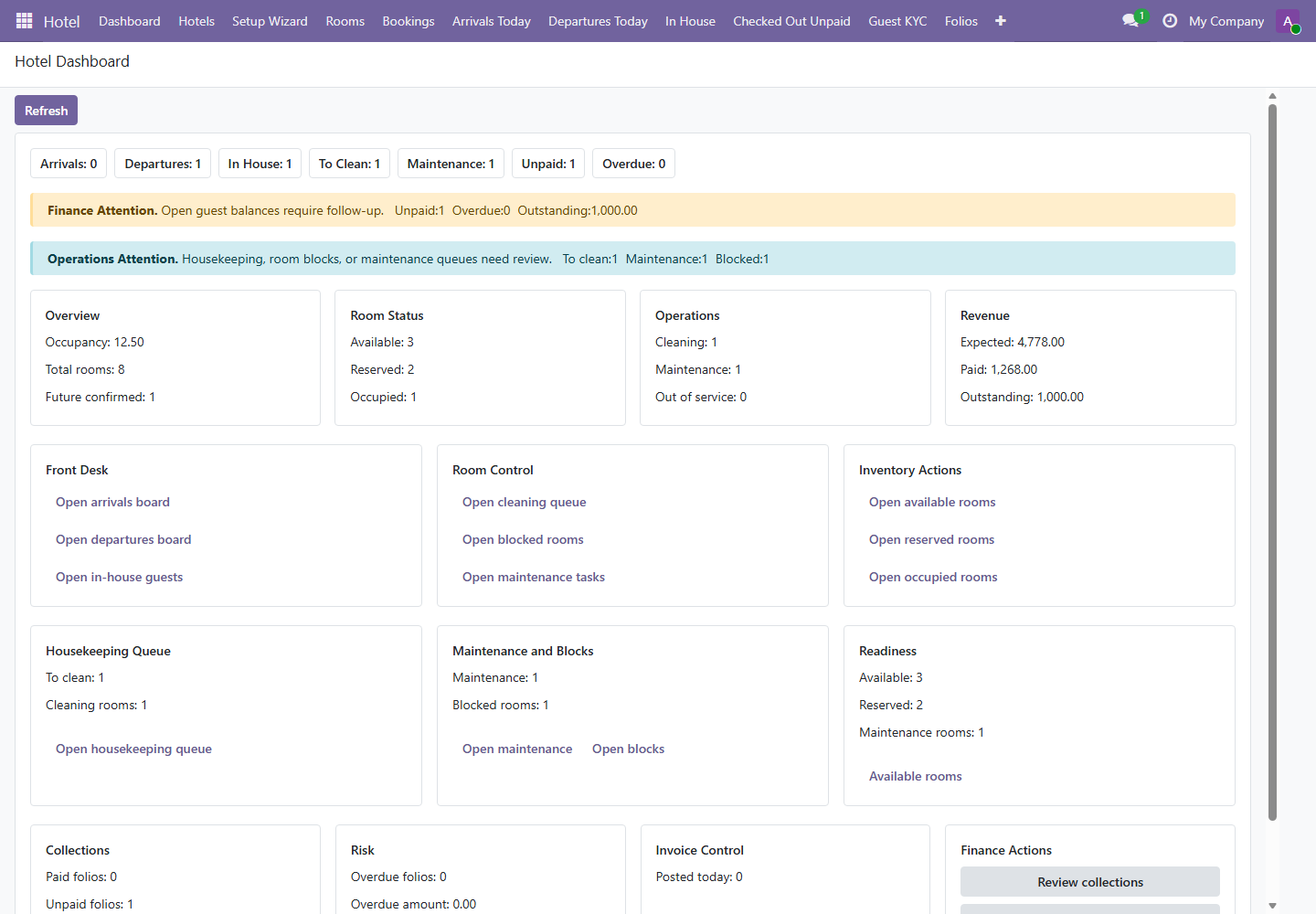
- Click Refresh when starting the shift to load current data.
- Review Arrivals, Departures, In House, To Clean, Maintenance, Unpaid, and Overdue counts.
- Open linked boards from the dashboard panels when immediate action is required.
- Use finance and operations warnings as mandatory review items during shift handover.
4. Property Setup
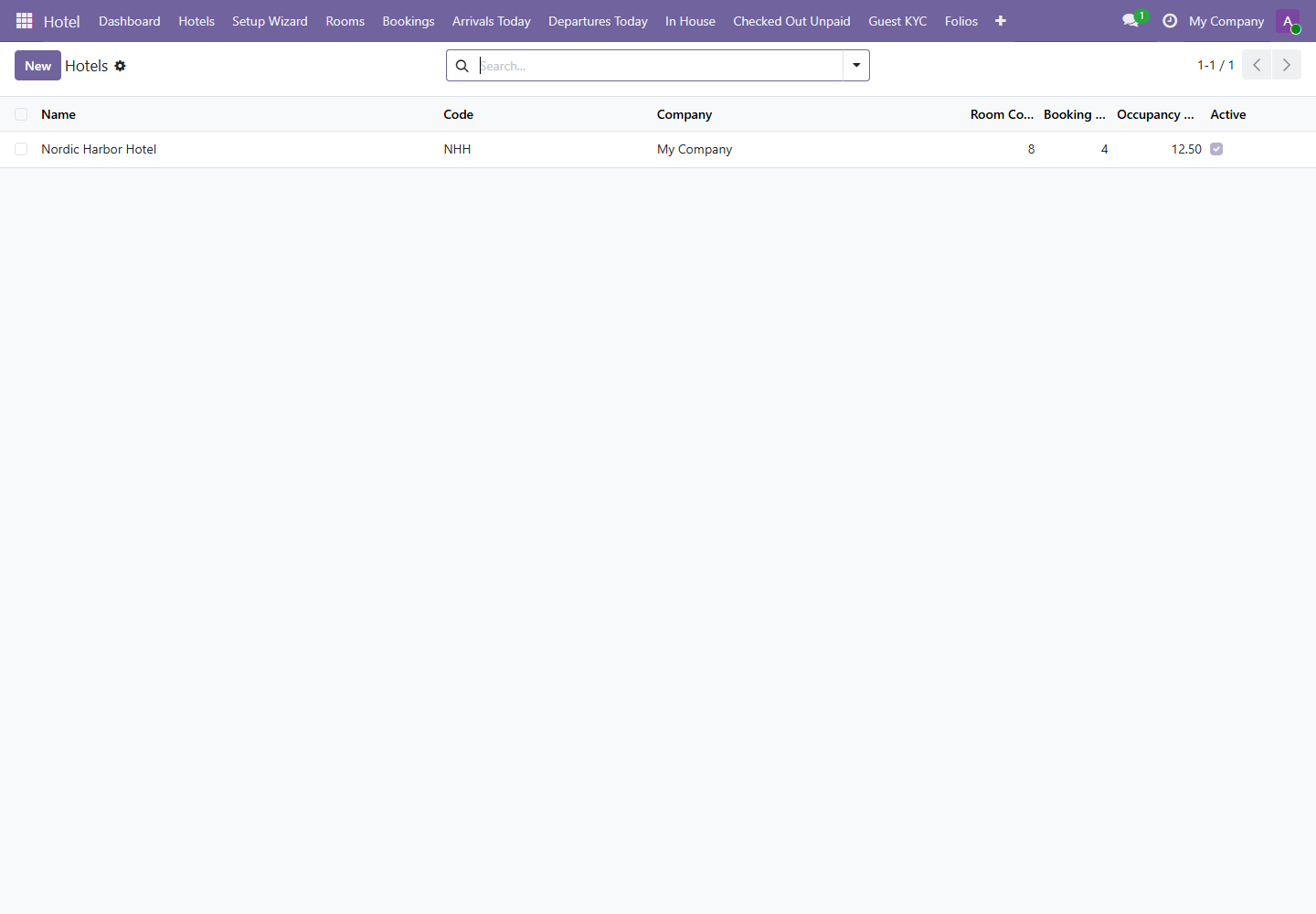
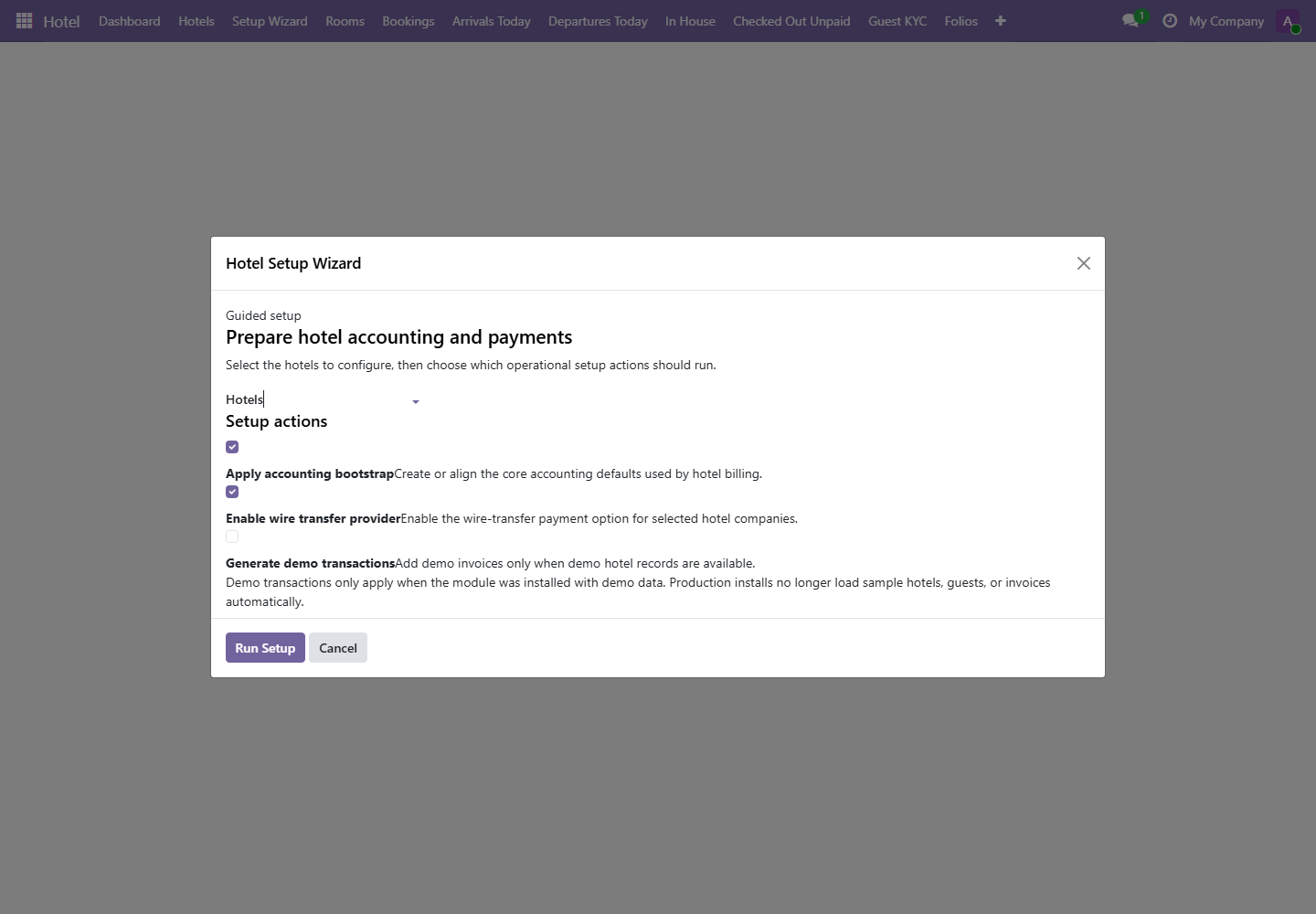
Menus: Hotel / Hotels and Hotel / Setup Wizard
Setup should be completed before operational users begin creating bookings. Incorrect setup affects room availability, pricing, payment policy, and reporting.
| Setup Item | Why It Matters | Owner |
|---|---|---|
| Hotel | Defines property, company, currency, default payment policy, and deposit behavior. | Administrator |
| Floors | Allows rooms to be grouped by building layout. | Administrator |
| Room Types | Defines categories such as Single, Double, Suite, or Family Room. | Administrator |
| Amenities | Documents room features that staff and guests expect. | Administrator |
5. Rooms and Availability
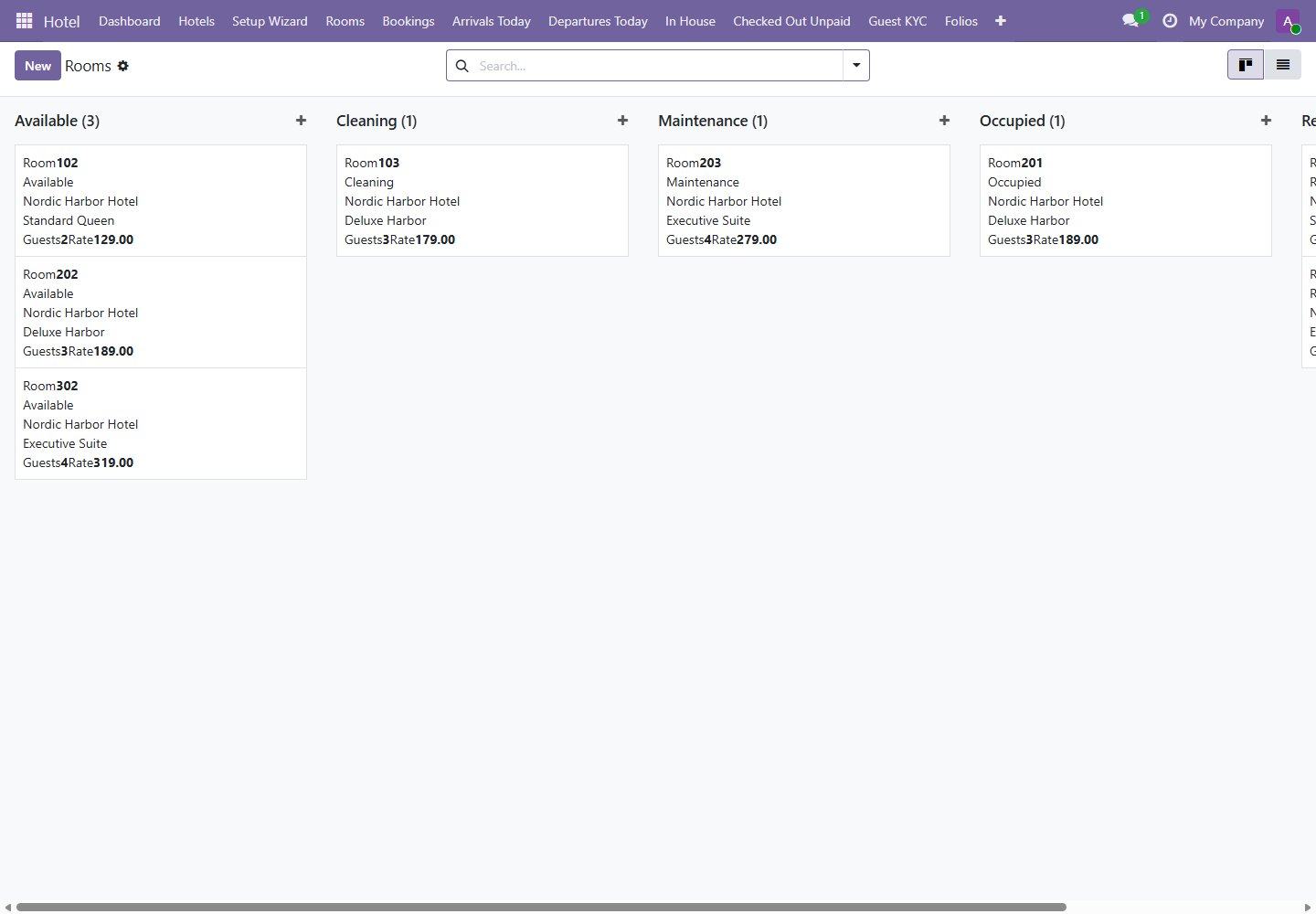
Menu path: Hotel / Rooms / Rooms
Room records control capacity, rate, hotel assignment, room type, and operational status. Booking conflicts and capacity rules are enforced from these records.
| Field | Meaning | Operational Impact |
|---|---|---|
| Hotel | Property the room belongs to. | A booking room must belong to the selected hotel. |
| Room Type | Commercial room category. | Used for pricing, reporting, and guest expectation. |
| Capacity | Maximum guest count. | Booking fails if guest count exceeds capacity. |
| Price per Night | Default room charge basis. | Used to generate booking and folio room charges. |
| Status | Operational state such as available, occupied, cleaning, or maintenance. | Used by reception and housekeeping to control readiness. |
6. Front Desk Operations
Main menus: Bookings, Arrivals Today, In House, Departures Today, and Checked Out Unpaid
Front desk work should follow the guest journey. The detailed step-by-step guide is available in the Front Desk Quick Guide.
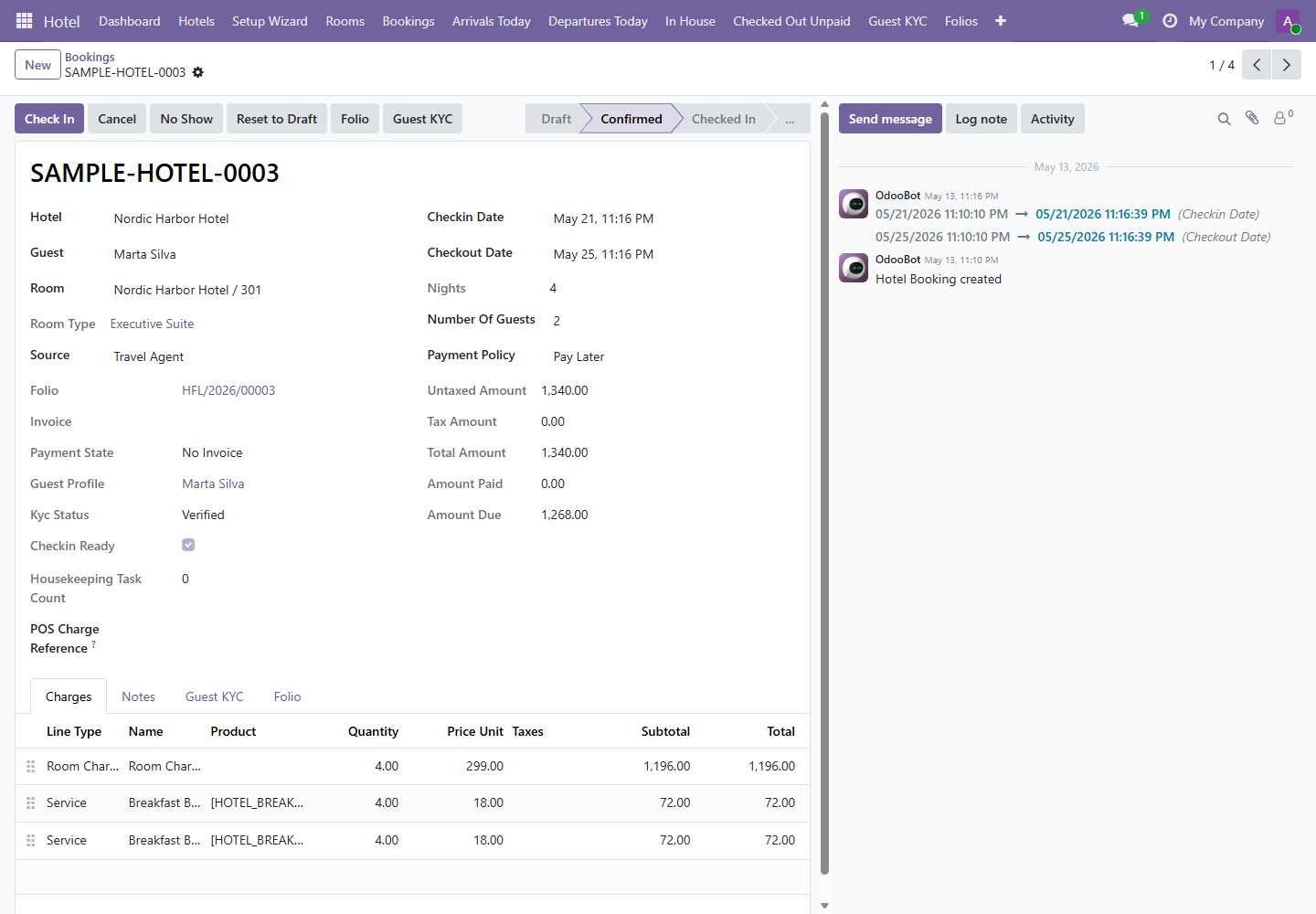
- Create or review the booking.
- Confirm the booking.
- Prepare arrivals and complete KYC.
- Check in the guest.
- Manage the active stay and folio.
- Prepare departure, collect payment, and check out.
7. Guest KYC
Menu path: Hotel / Guest KYC
Guest KYC controls check-in readiness. The booking check-in action requires a KYC profile that is verified, complete, accepted, and not expired.
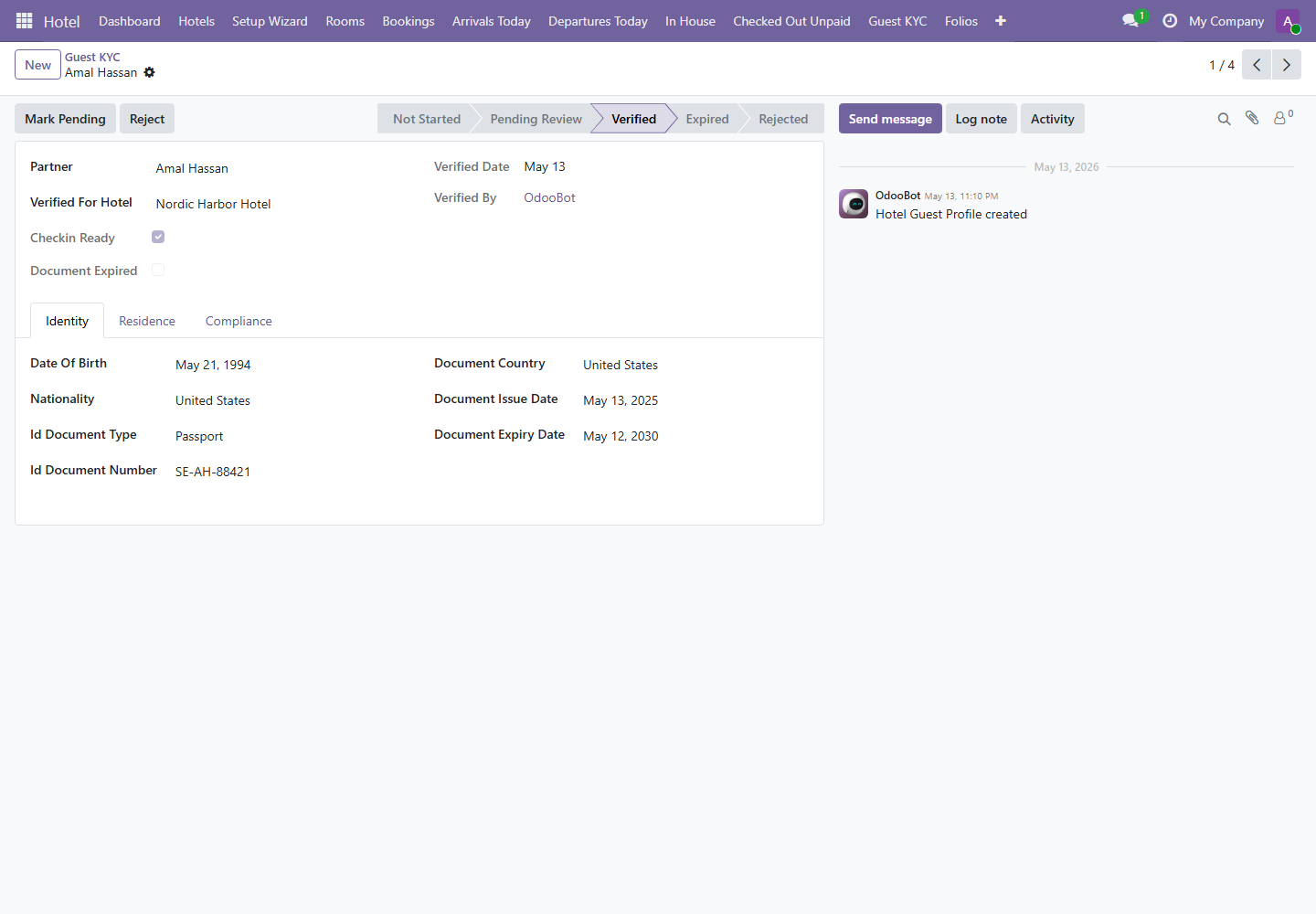
Use screenshots with demo data only. Do not include real document numbers, addresses, phone numbers, or private guest notes in manuals or training materials.
8. Folios, Invoices, and Payments
Menu path: Hotel / Folios
The folio is the billing control record for a stay. Room charges are synchronized from the booking. Additional charges, invoices, and payments are controlled from the folio.
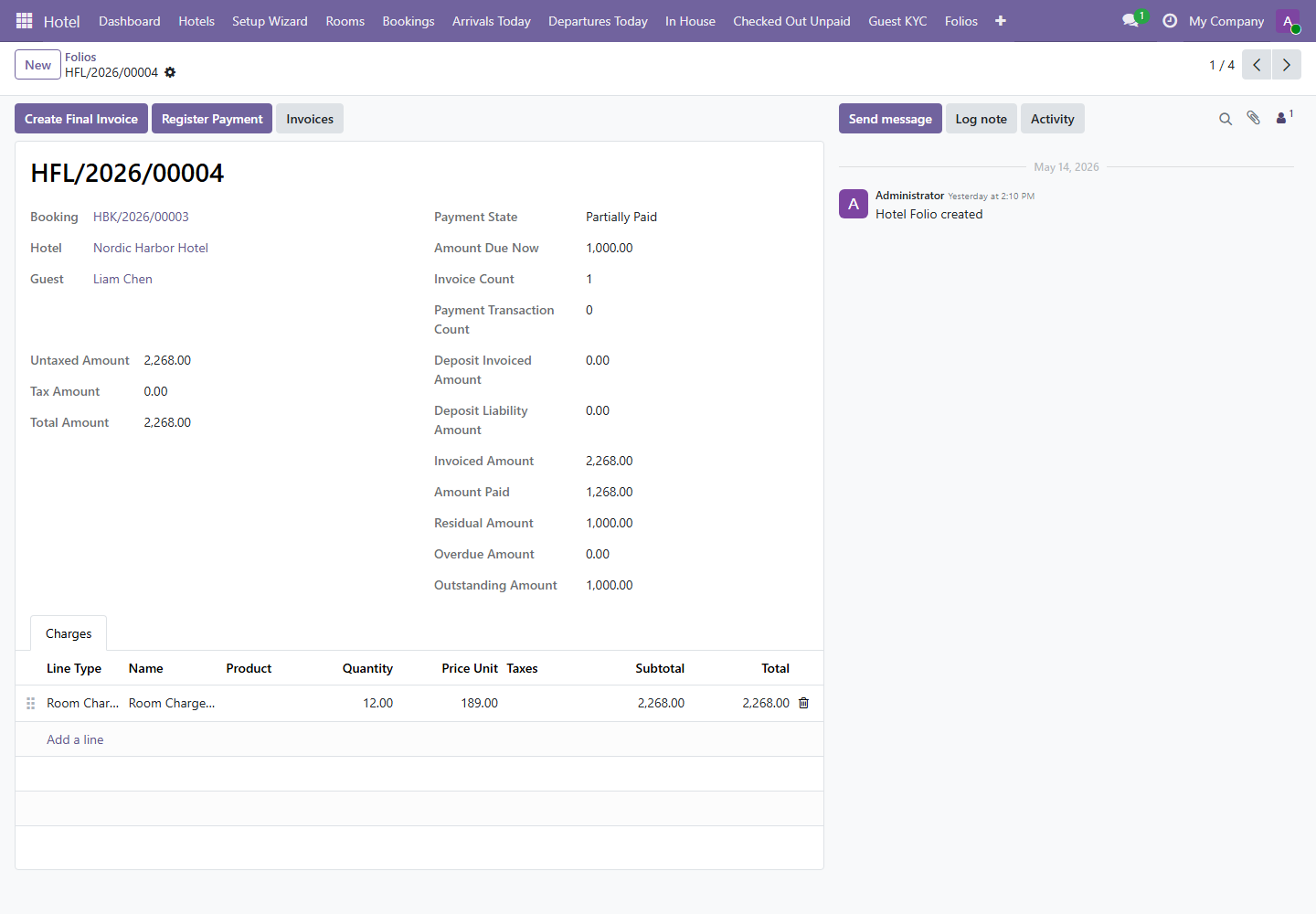
| Action | Use | Who Should Use It |
|---|---|---|
| Create Deposit Invoice | Create invoice for required deposit or prepayment. | Reception manager or accounting. |
| Create Final Invoice | Create invoice for final stay charges. | Reception manager or accounting. |
| Register Payment | Record payment against invoice balance. | Authorized reception or accounting staff. |
| Invoices | Open linked invoices. | Reception manager, accounting, auditor. |
9. Housekeeping
Menu path: Hotel / Housekeeping
Housekeeping tasks track rooms that need cleaning. Checkout creates a cleaning task when no active cleaning task exists for the booking.
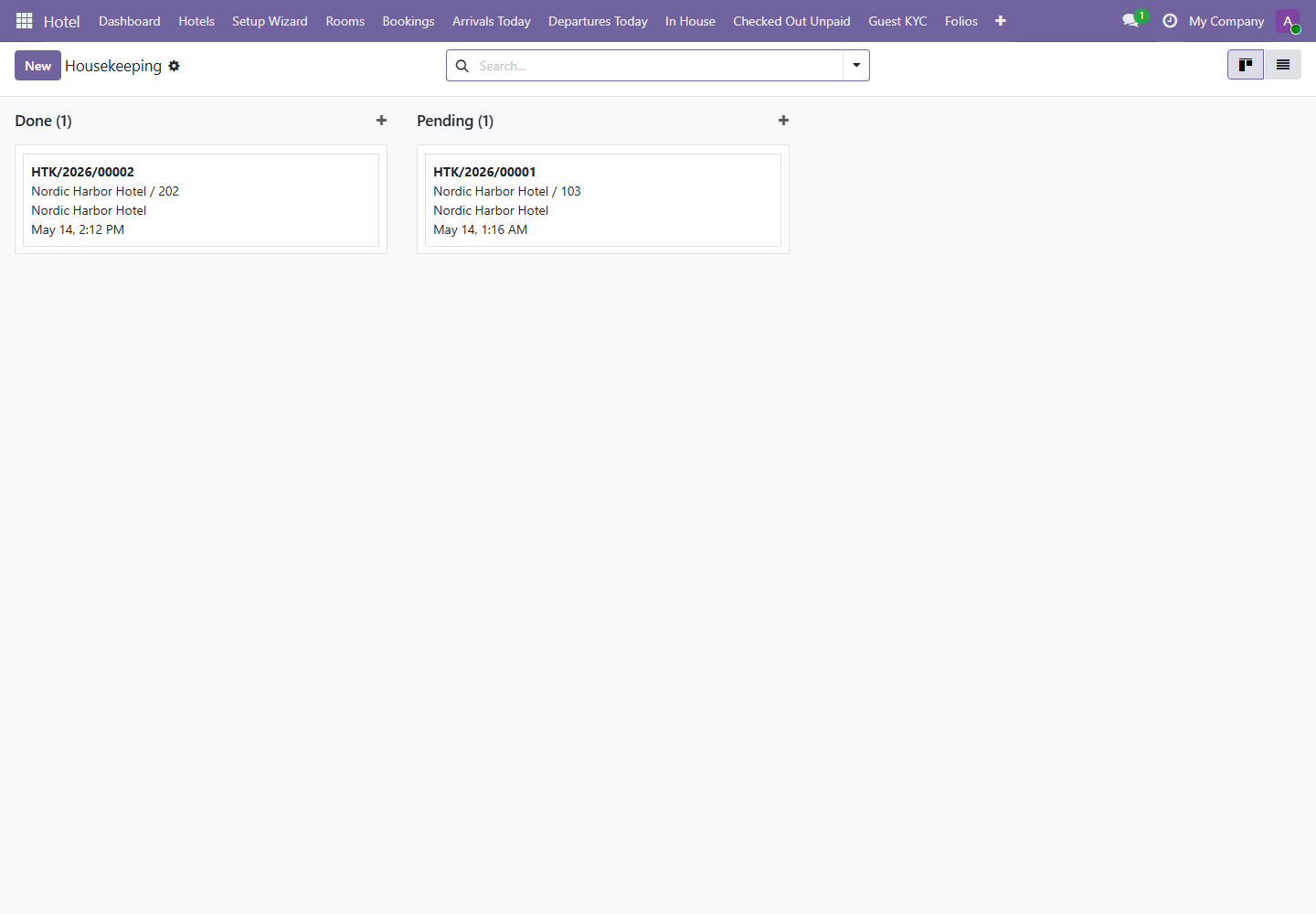
- Open the housekeeping board.
- Open or assign the cleaning task.
- Click Start when cleaning begins.
- Add notes for missing items, damage, or maintenance needs.
- Click Done when the room is ready.
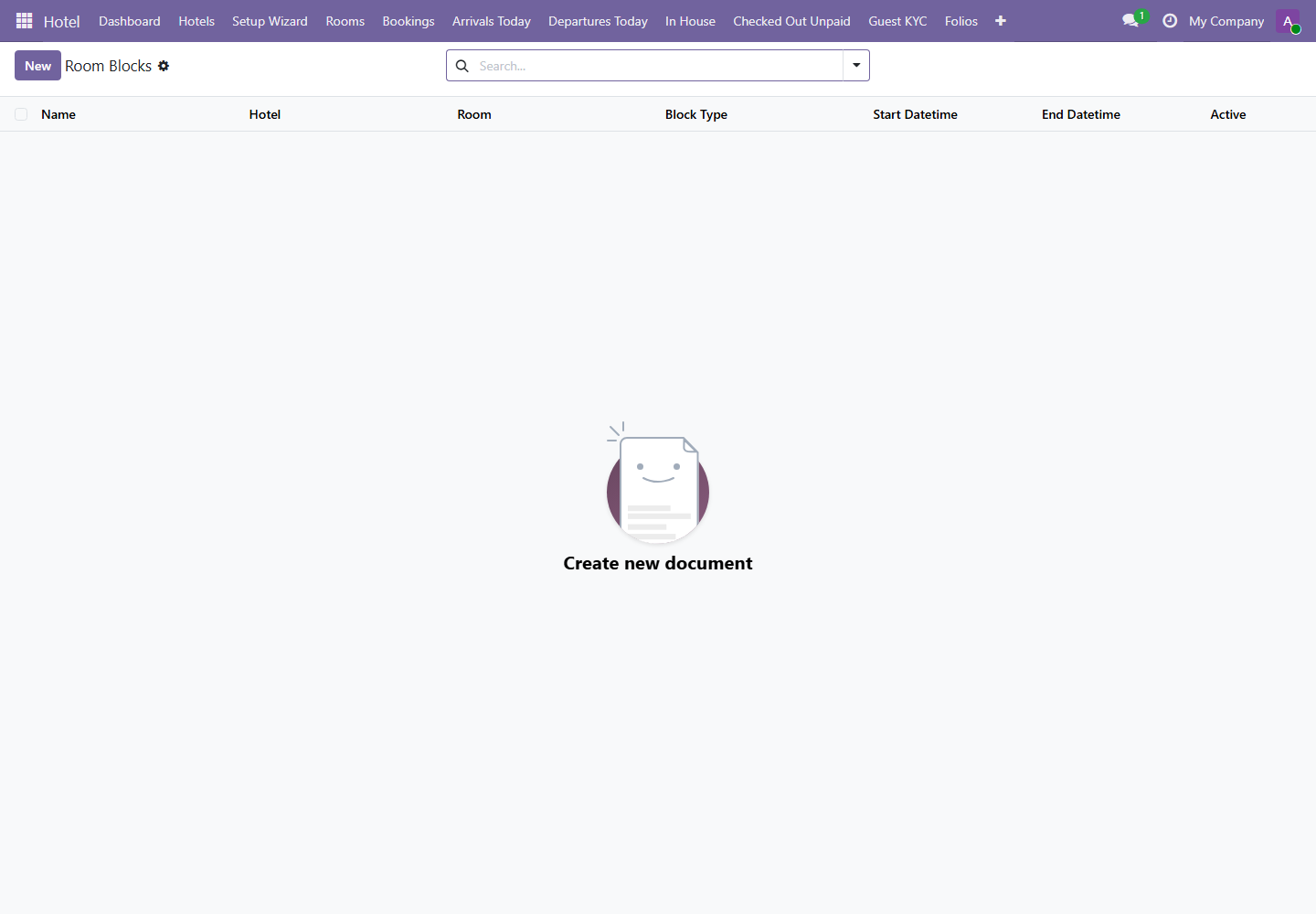
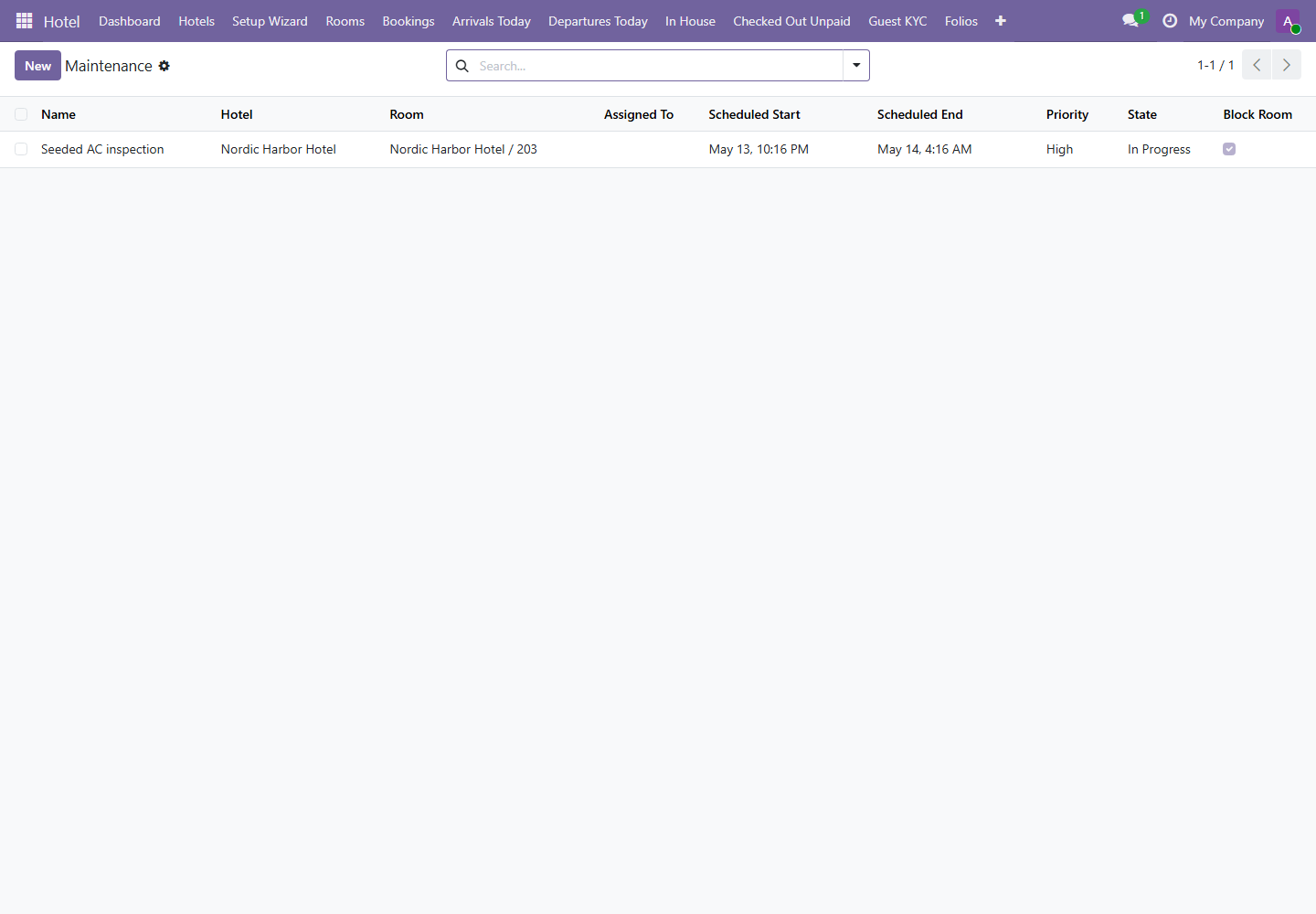
10. Room Blocks and Maintenance
Menus: Hotel / Rooms / Room Blocks and Hotel / Rooms / Maintenance
Use room blocks for planned unavailability and maintenance records for repairs or operational issues. These screens help prevent selling unavailable rooms.
11. Reports
Menu path: Hotel / Reports
Reports should be used for daily control, exception management, and management review. The detailed report-by-report guide is available in the Manager Reports Guide.