End-to-End Flow
1. Folio to Invoice
Hotel menu: Hotel / Folios. Accounting menu: Accounting / Customers / Invoices.
The folio is operational. The invoice is accounting. A folio can create deposit invoices or final invoices depending on the payment policy and checkout stage.
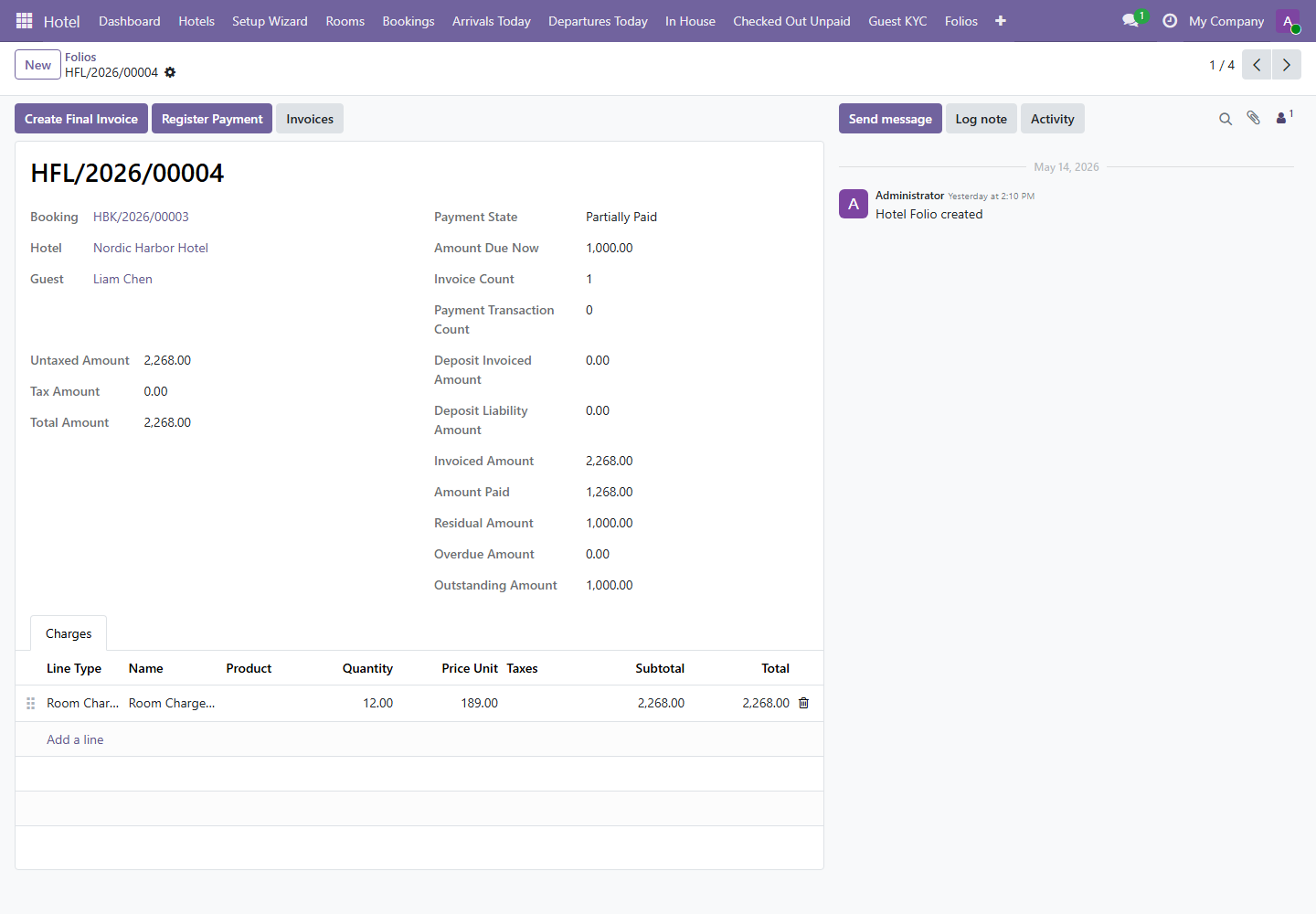
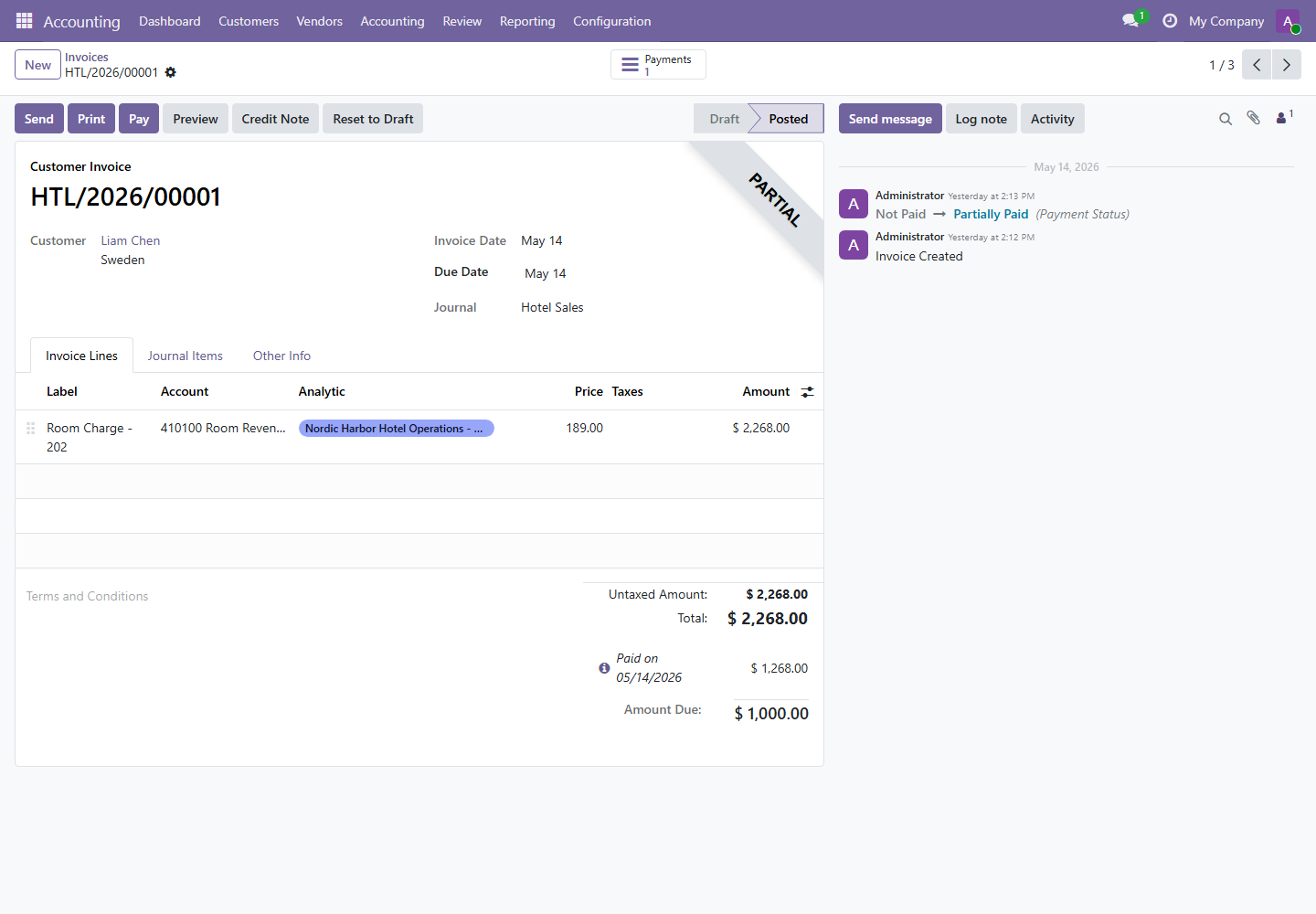
| Hotel Field | Accounting Result | Control |
|---|---|---|
| Folio Charges | Invoice lines. | Review product, account, amount, and analytic distribution. |
| Guest | Customer on invoice. | Must match the paying guest or company. |
| Hotel Sales Journal | Invoice journal. | Should route hotel revenue correctly. |
| Amount Due | Invoice residual balance. | Use for payment and follow-up. |
2. Payment Registration
The accounting kit adapter routes hotel folio payment registration to posted open invoices. This prevents recording payments where no posted invoice exists.
- Open the hotel folio.
- Confirm an invoice exists and is posted.
- Click Register Payment.
- Select the configured hotel payment journal.
- Confirm the payment and verify invoice payment state.
If no posted open invoice exists, payment registration should be blocked. Create or post the invoice first.
3. Analytics and Budgets
Hotel menu: Hotel / Hotels. Accounting menu: Accounting / Accounting / Budgets.
The Hotel Accounting Bridge adds analytic and budget controls to the hotel record. It supports hotel-specific budgets and revenue/receivable analysis.
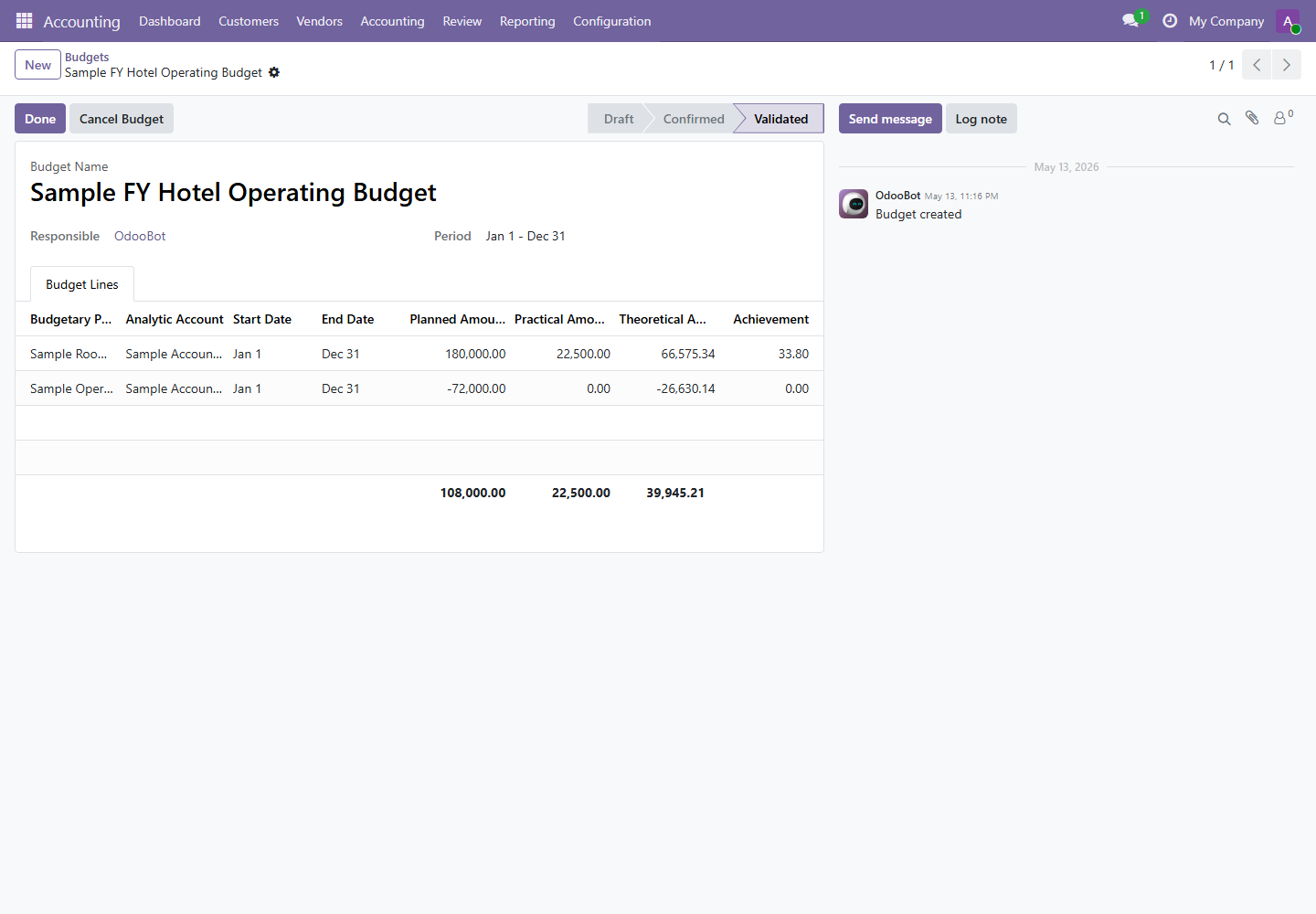
| Hotel Button or Field | Purpose |
|---|---|
| Sync Accounting Bridge | Aligns hotel accounting fields, analytic account, and budget mappings. |
| Create Annual Budget | Creates hotel budget template for annual revenue and cost tracking. |
| Open Analytic Account | Opens the hotel analytic account for management reporting. |
| Open Budgets | Opens hotel-related budgets. |
4. Receivable Follow-up and Hotel Reports
The bridge filters accounting follow-up, partner ledger, and aged receivable reports to partners connected to hotel invoices.
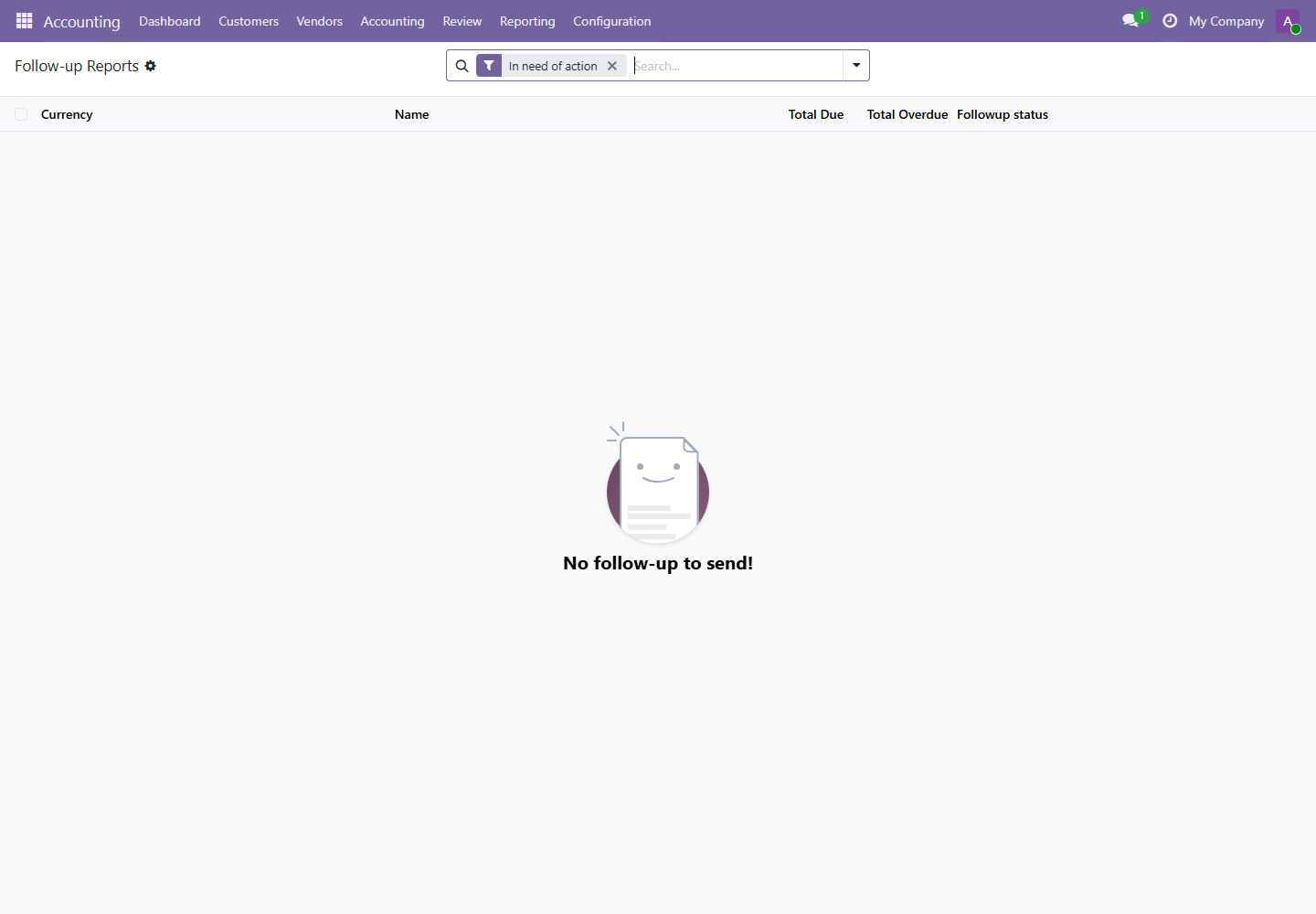
- Receivable Follow-up: review hotel customer balances requiring action.
- Overdue Receivables: focus on overdue hotel-related balances.
- Partner Ledger: investigate transaction history for hotel guests or companies.
- Aged Receivables: review aging buckets for hotel receivables.
5. Daily Hotel-Accounting Reconciliation
- Front desk reviews
Hotel / Checked Out Unpaidbefore handover. - Accounting reviews hotel invoices in
Accounting / Customers / Invoices. - Compare folio amount, invoice amount, amount paid, and amount due.
- Review customer payments and hotel bank/cash journals.
- Run Partner Ledger or Aged Partner Balance for unresolved receivables.
- Update notes or follow-up responsibility for any unpaid checked-out guest.