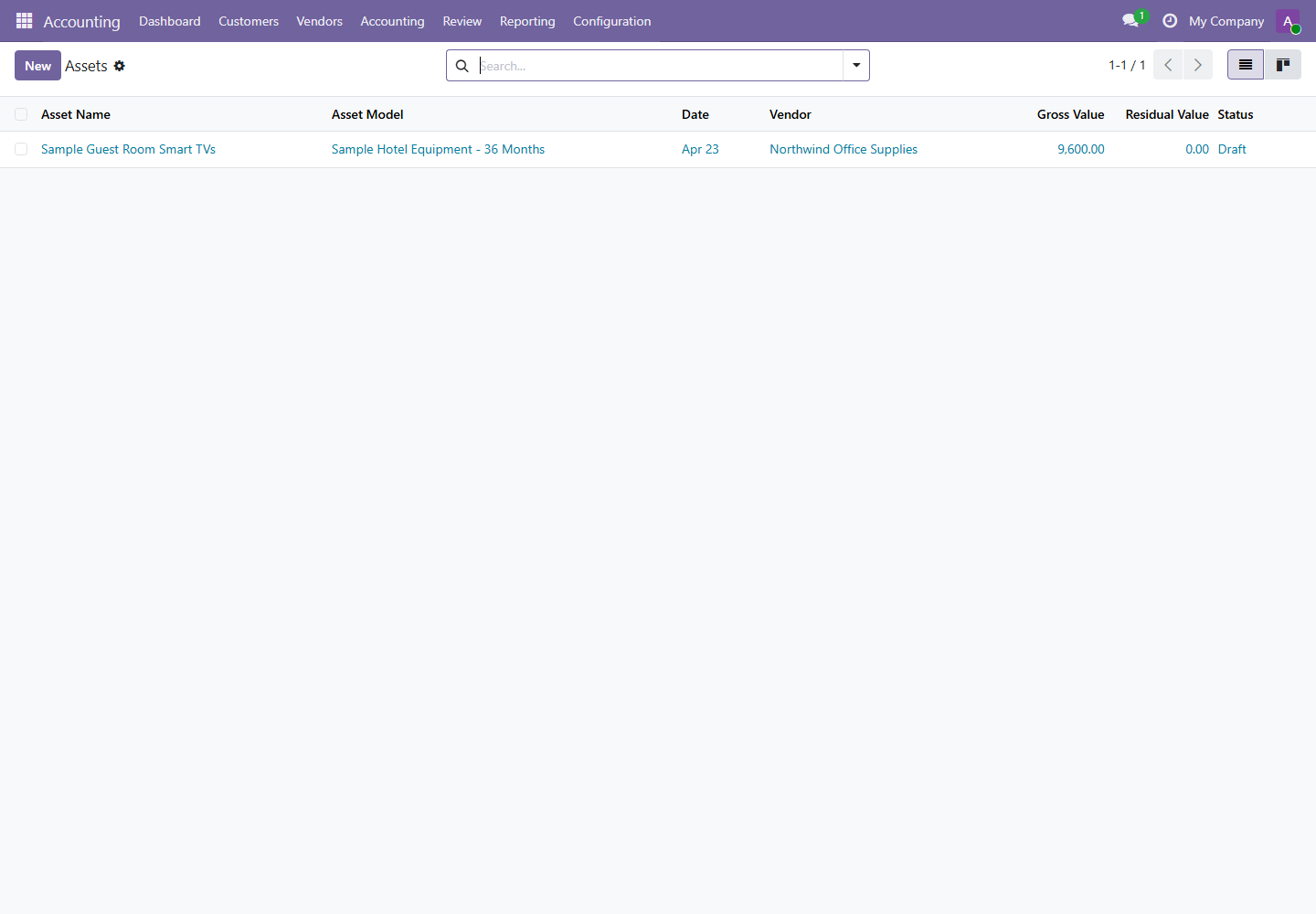
1. Financial Statements
Menus: Accounting / Reporting / Generic Statements
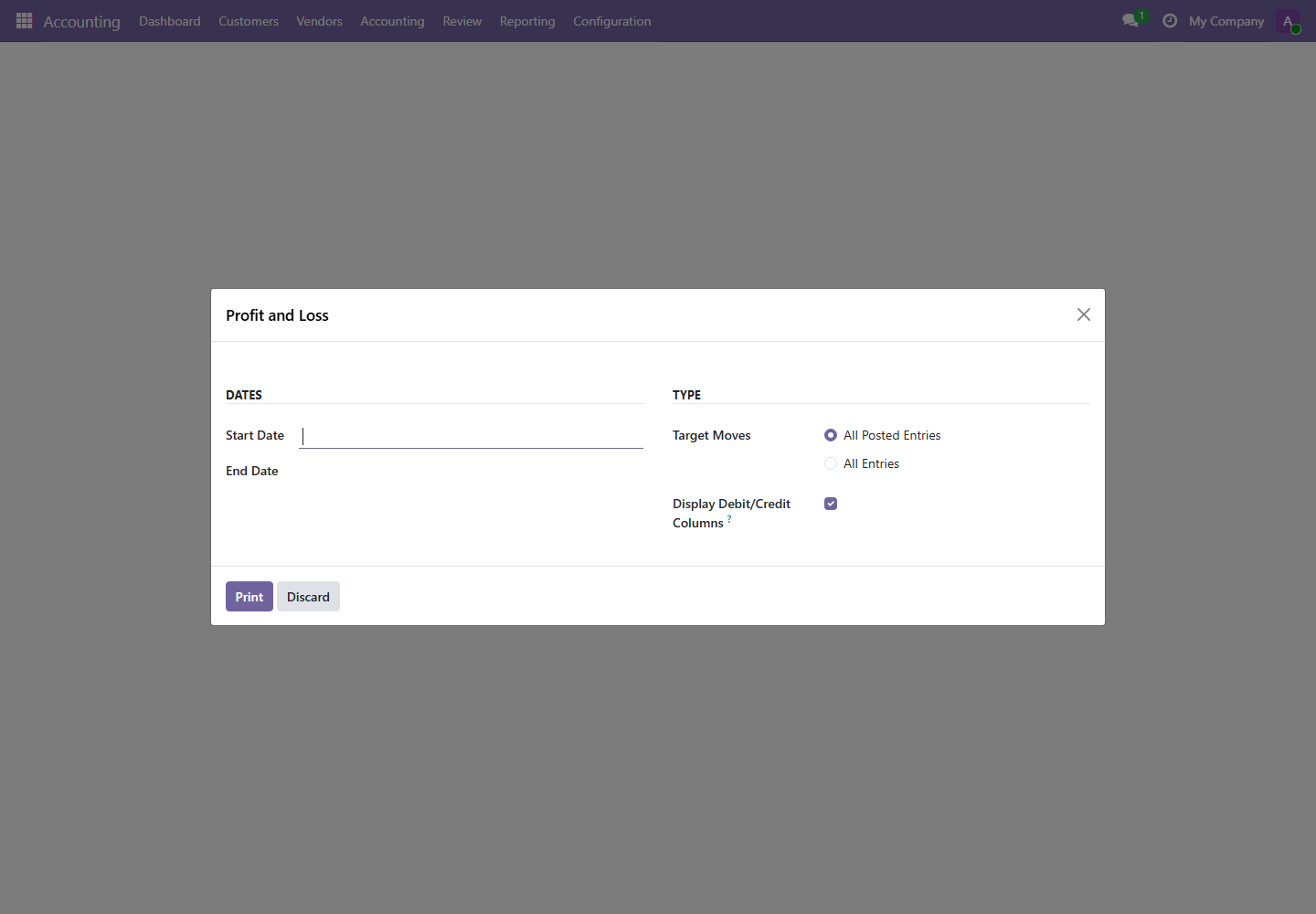
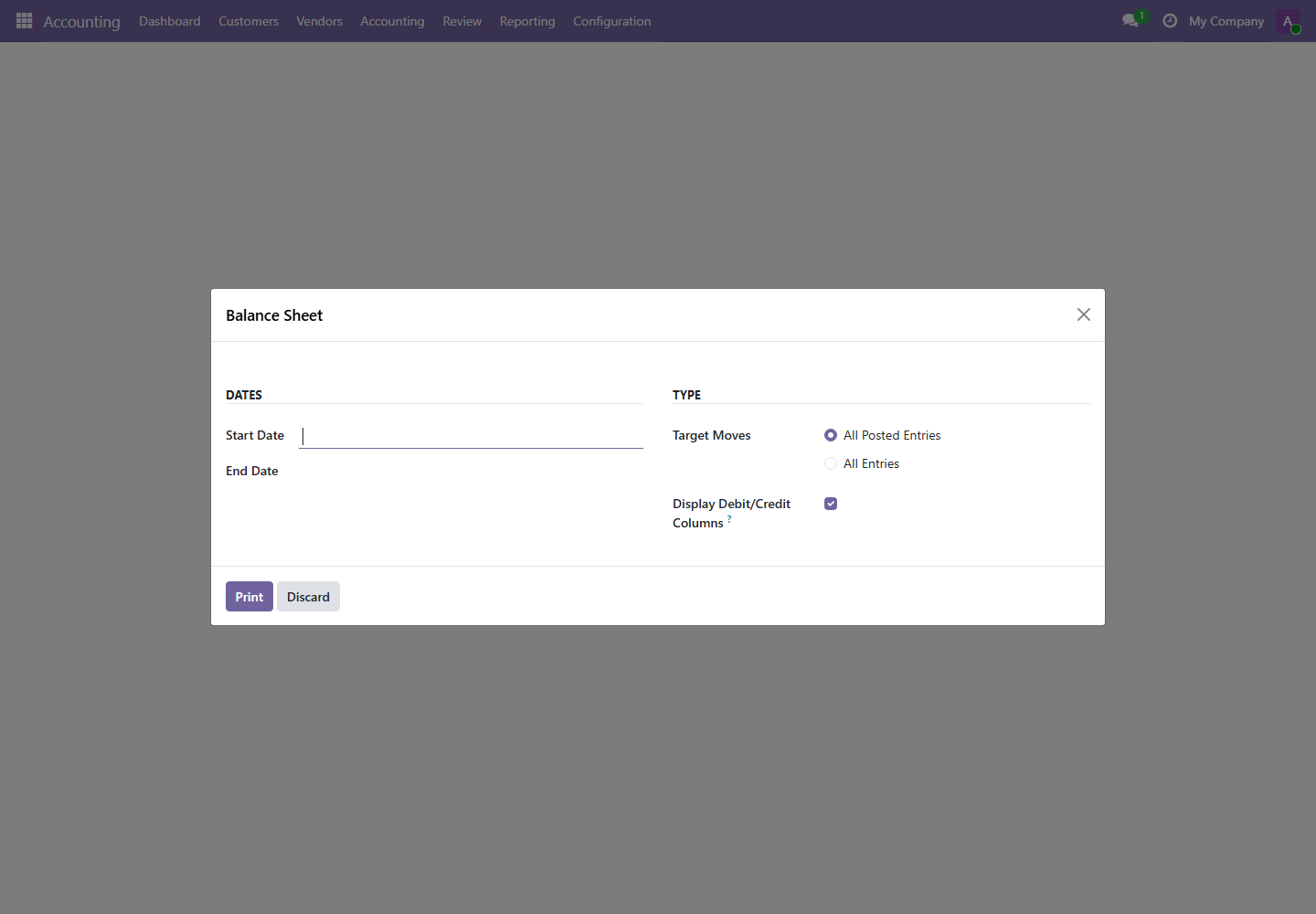
| Report | Purpose | Use When |
|---|---|---|
| Profit and Loss | Shows income, expense, and profitability for a period. | Daily revenue review, monthly close, management performance review. |
| Balance Sheet | Shows assets, liabilities, and equity at a point in time. | Month-end close, statutory review, owner or management reporting. |
| Cash Flow Statement | Explains cash movement by operating, investing, and financing activities. | Cash planning and monthly financial review. |
2. General Ledger
Menu path: Accounting / Reporting / Audit Reports / General Ledger
The General Ledger is the detailed account-by-account record. It is used to validate balances, investigate account movements, and support audit review.
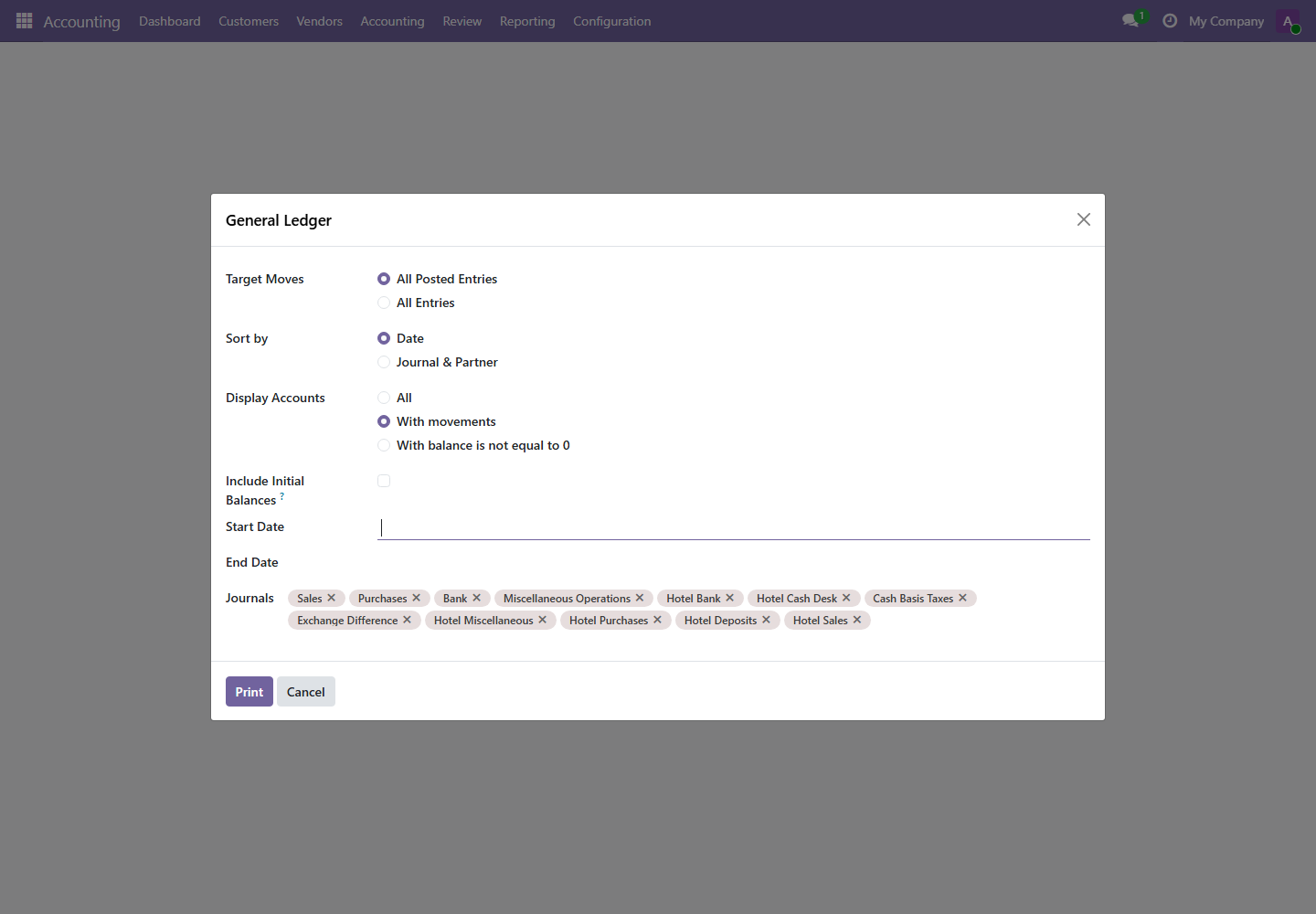
- Select the date range.
- Select target moves: all posted entries for official reporting, all entries for review of drafts.
- Select accounts or journals if the review is scoped.
- Print or export the report and attach it to close evidence if required.
3. Partner Ledger and Aged Partner Balance
Menus: Partner Ledger and Aged Partner Balance
Partner reports explain customer and vendor balances. They are essential for receivables, payables, hotel guest balances, and collections.
| Report | Question Answered | Action |
|---|---|---|
| Partner Ledger | What transactions make up this customer or vendor balance? | Use for reconciliation, dispute handling, and account statement support. |
| Aged Partner Balance | How old are open receivables or payables? | Use for collections, payment planning, and overdue escalation. |
4. Tax Report and Trial Balance
Menus: Tax Report and Trial Balance
Tax reports support tax review. Trial Balance summarizes debit and credit balances across accounts and is a core month-end close report.
Run tax and trial balance reports after invoice posting, payment reconciliation, and journal adjustments are complete for the review period.
5. Daily Reports
Menus: Bank Book, Cash Book, and Day Book
Daily reports are used during end-of-day control and cash/bank reconciliation.
| Report | Purpose | Review Timing |
|---|---|---|
| Bank Book | Shows bank journal movement. | Daily after bank transactions or imports. |
| Cash Book | Shows cash journal movement. | Daily before cash handover or safe count. |
| Day Book | Shows transactions posted during a day or date range. | Daily close and audit review. |
6. Audit Reports and Asset Analysis
Menus: Journals Audit and Assets Analysis
Audit reports help validate transaction completeness and traceability. Asset analysis supports fixed asset review and depreciation control.