1. Accounting Roles
| Role | Primary Screens | Responsibility |
|---|---|---|
| Accounting User | Invoices, Bills, Payments, Journal Items. | Daily processing and document review. |
| Accounting Manager | Configuration, Journals, Taxes, Lock Dates, Reports. | Approval, correction, configuration, and period control. |
| Auditor | Journal Items, Audit Trail, General Ledger, Trial Balance, Journal Audit. | Review traceability and accounting integrity. |
| Hotel Accountant | Hotel invoices, folios, receivable follow-up, partner ledger, aged receivable. | Reconcile front desk revenue with accounting records. |
3. Customer Receivables
Menus: Accounting / Customers / Invoices, Credit Notes, and Payments
Receivables control customer invoices and customer payments. Hotel guest invoices also use this workflow after folios create invoices.
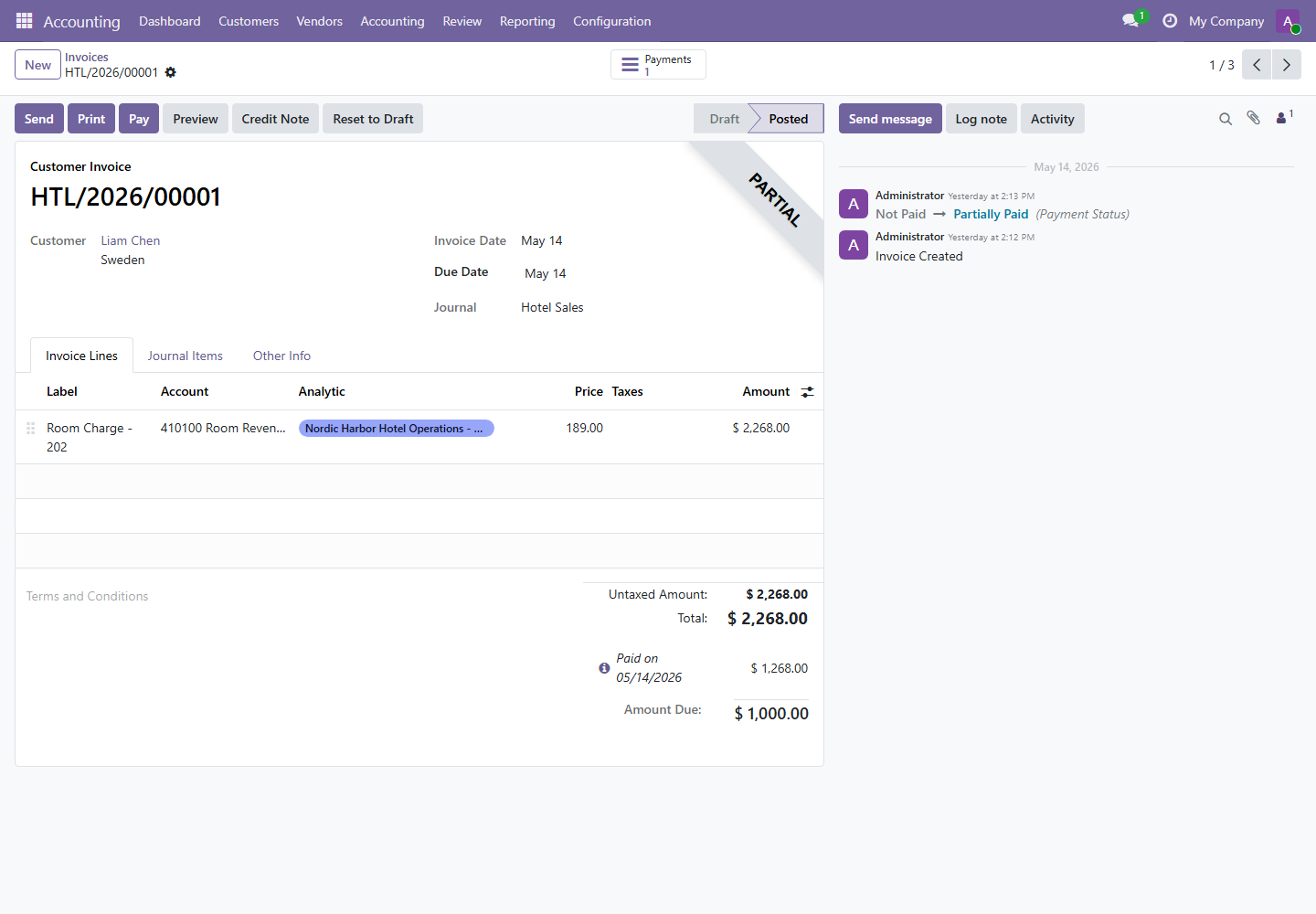
- Review invoice source, customer, invoice date, due date, journal, lines, account, taxes, and analytic allocation.
- Post the invoice after validation.
- Register payment when payment is received.
- Create a credit note only for approved corrections or refunds.
- Use Follow-up Reports for unpaid or late balances.
4. Vendor Payables
Menus: Accounting / Vendors / Bills, Refunds, and Payments
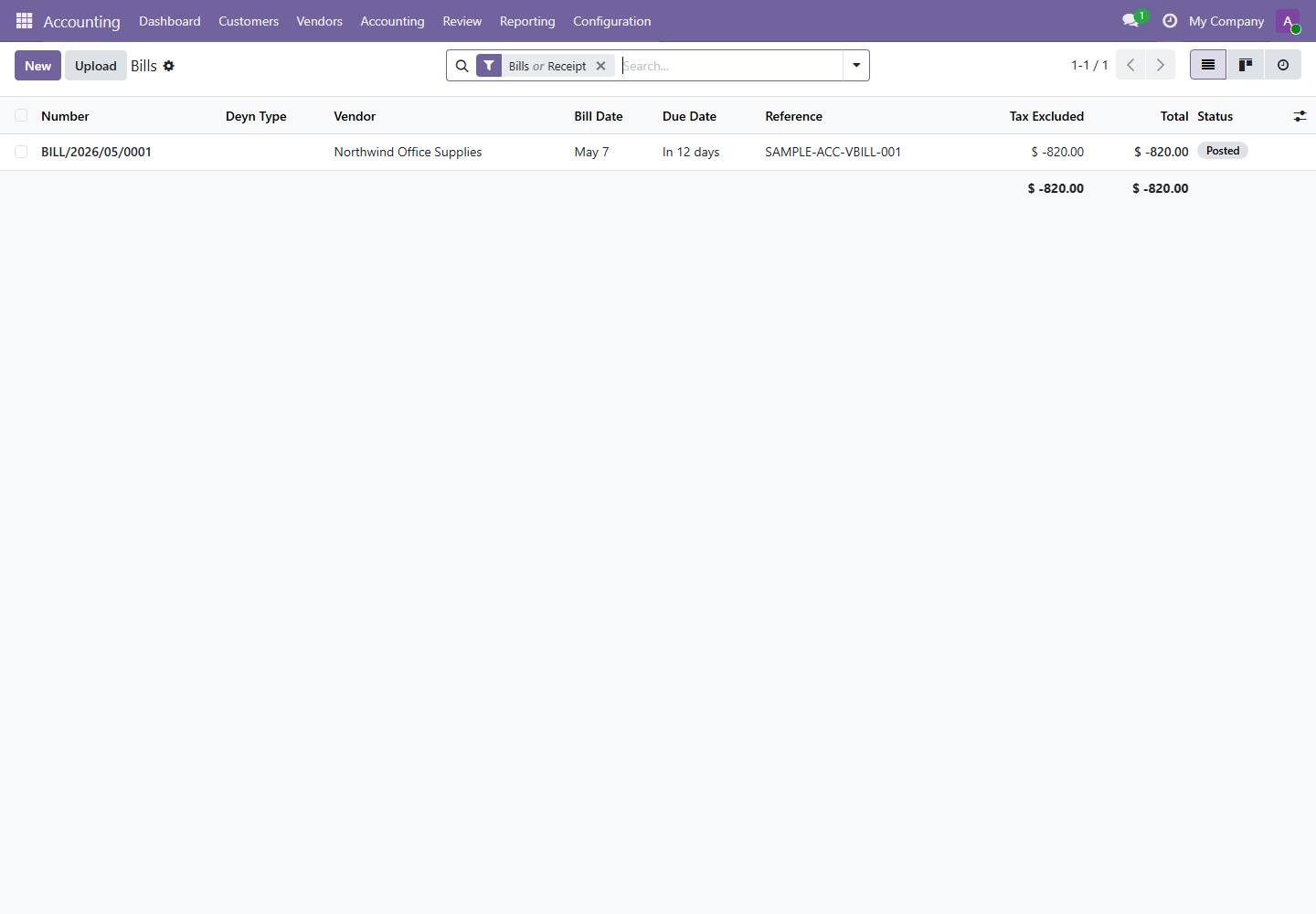
Payables control supplier bills and vendor payments. Bills should be reviewed before posting and paid only after approval.
| Step | Control Point | Reason |
|---|---|---|
| Draft bill review | Vendor, bill reference, date, due date, taxes, and expense accounts. | Prevents incorrect payables and tax errors. |
| Posting | Bill should match approved supplier document. | Creates official accounting entry. |
| Payment | Journal and amount should match approved payment. | Prevents duplicate or unauthorized payments. |
5. Journals and Journal Items
Menus: Journal Entries and Journal Items
Journal entries are the accounting transactions. Journal items are the detailed debit and credit lines used for audit, reconciliation, and reporting.
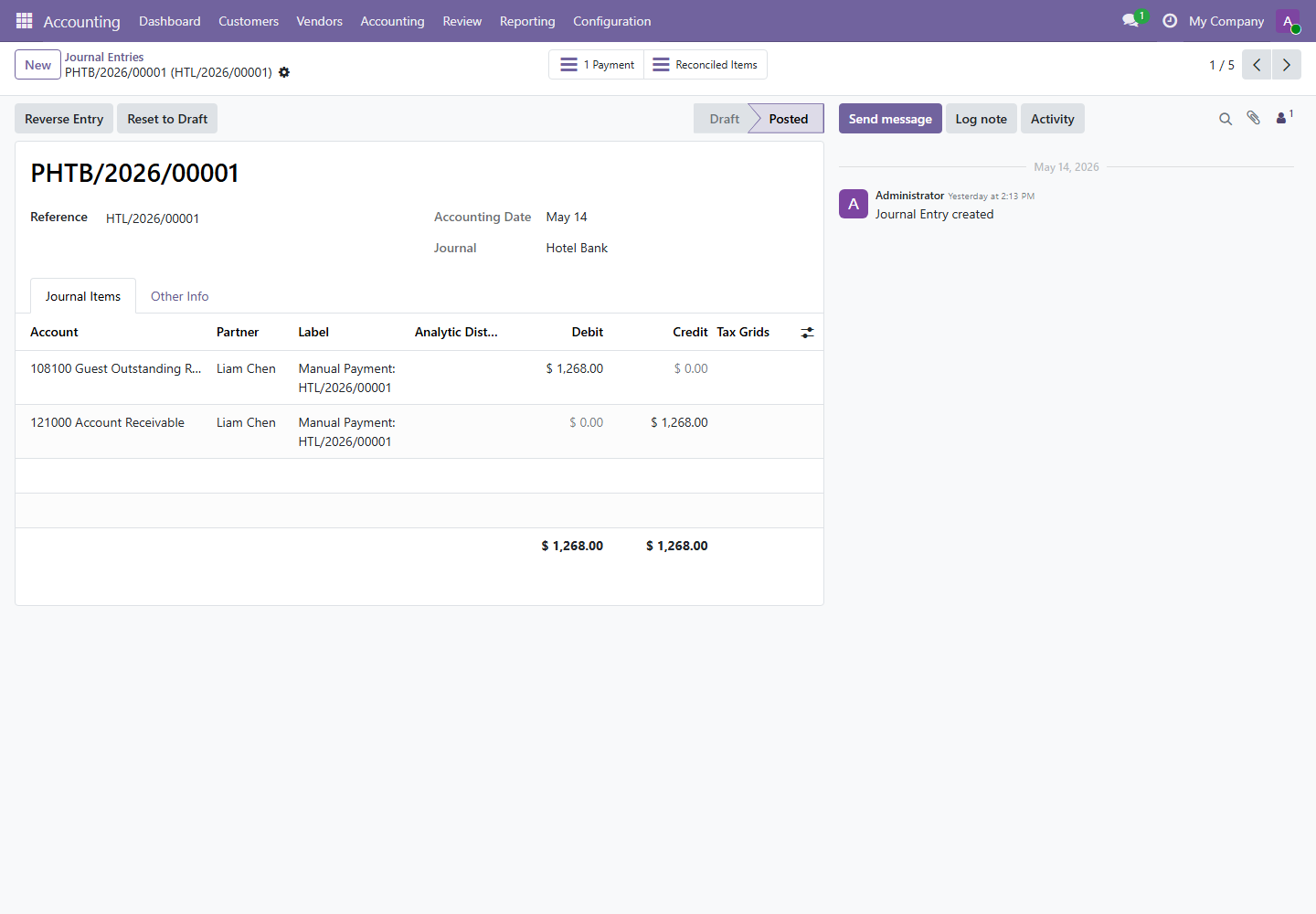
Manual entries should be approved, documented, and reviewed. Avoid using manual entries to bypass invoice, bill, asset, or payment workflows.
6. Accounting Configuration
Menu path: Accounting / Configuration
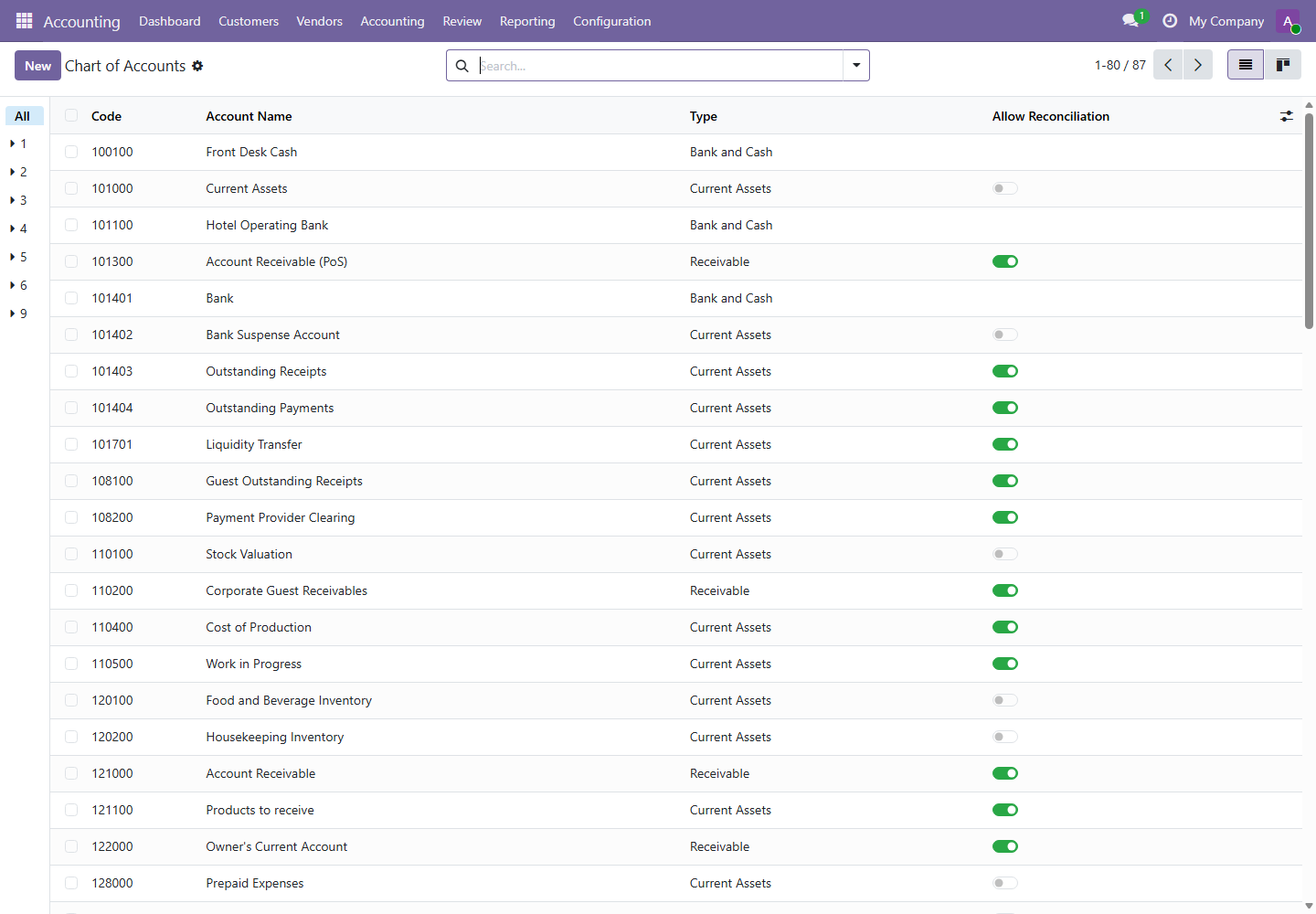
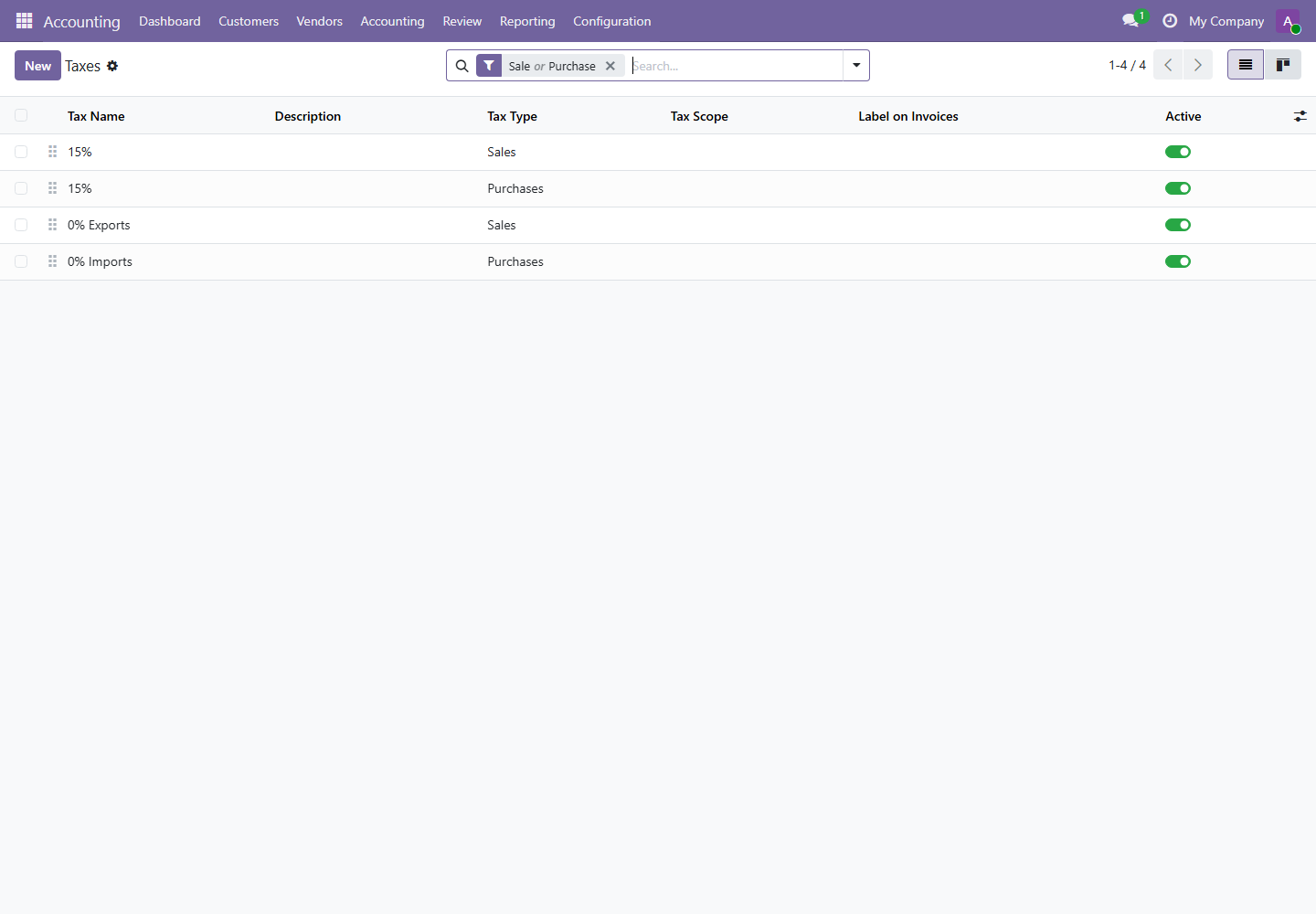
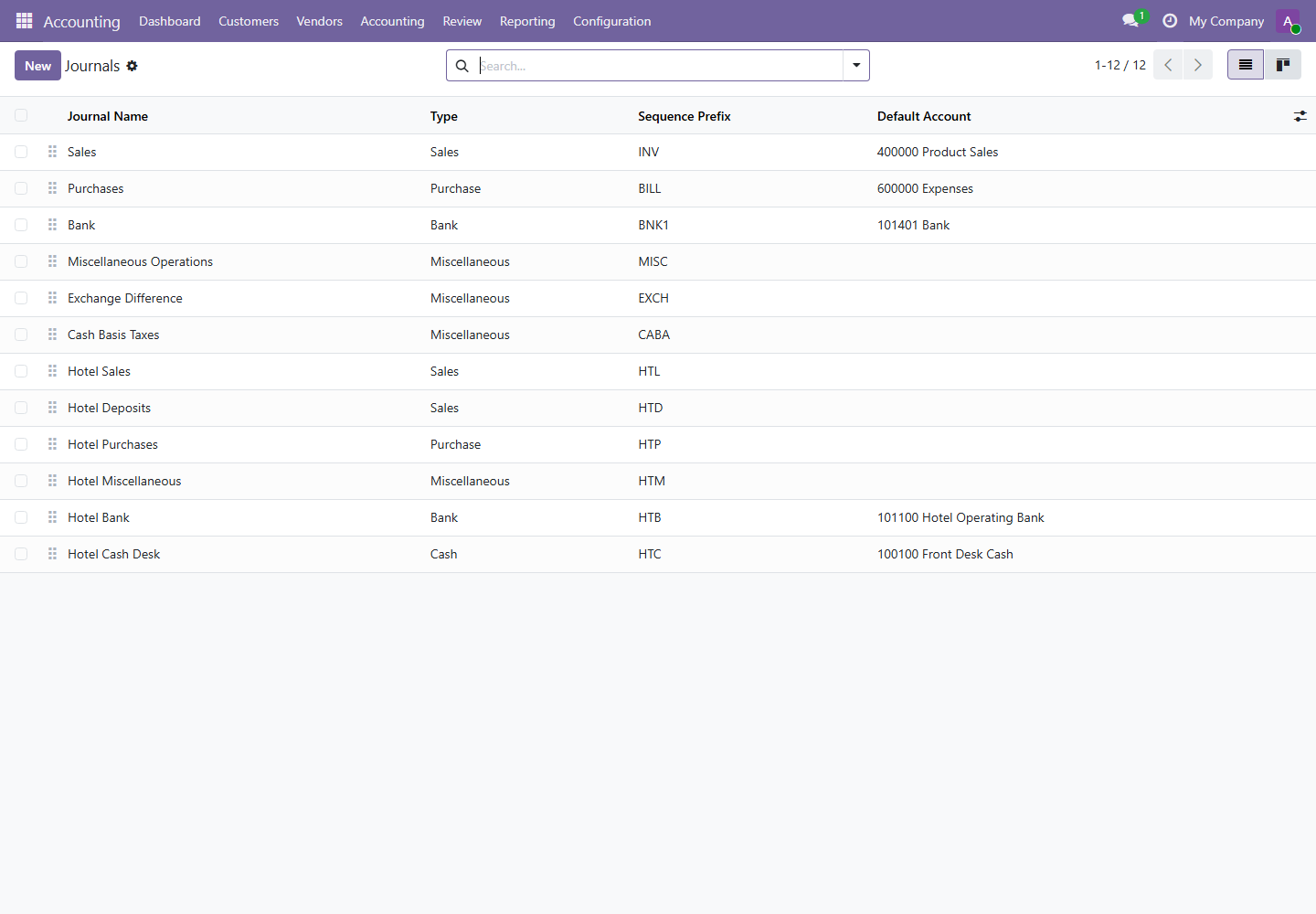
| Configuration | Impact | Owner |
|---|---|---|
| Chart of Accounts | Controls accounting classification for all transactions. | Accounting Manager |
| Taxes | Controls tax computation and reporting. | Accounting Manager |
| Journals | Controls sales, purchases, bank, cash, and miscellaneous entries. | Accounting Manager |
| Payment Terms | Controls due dates and aging. | Accounting Manager |
| Analytic Accounts | Controls management reporting and hotel budget tracking. | Accounting Manager |
7. Budgets
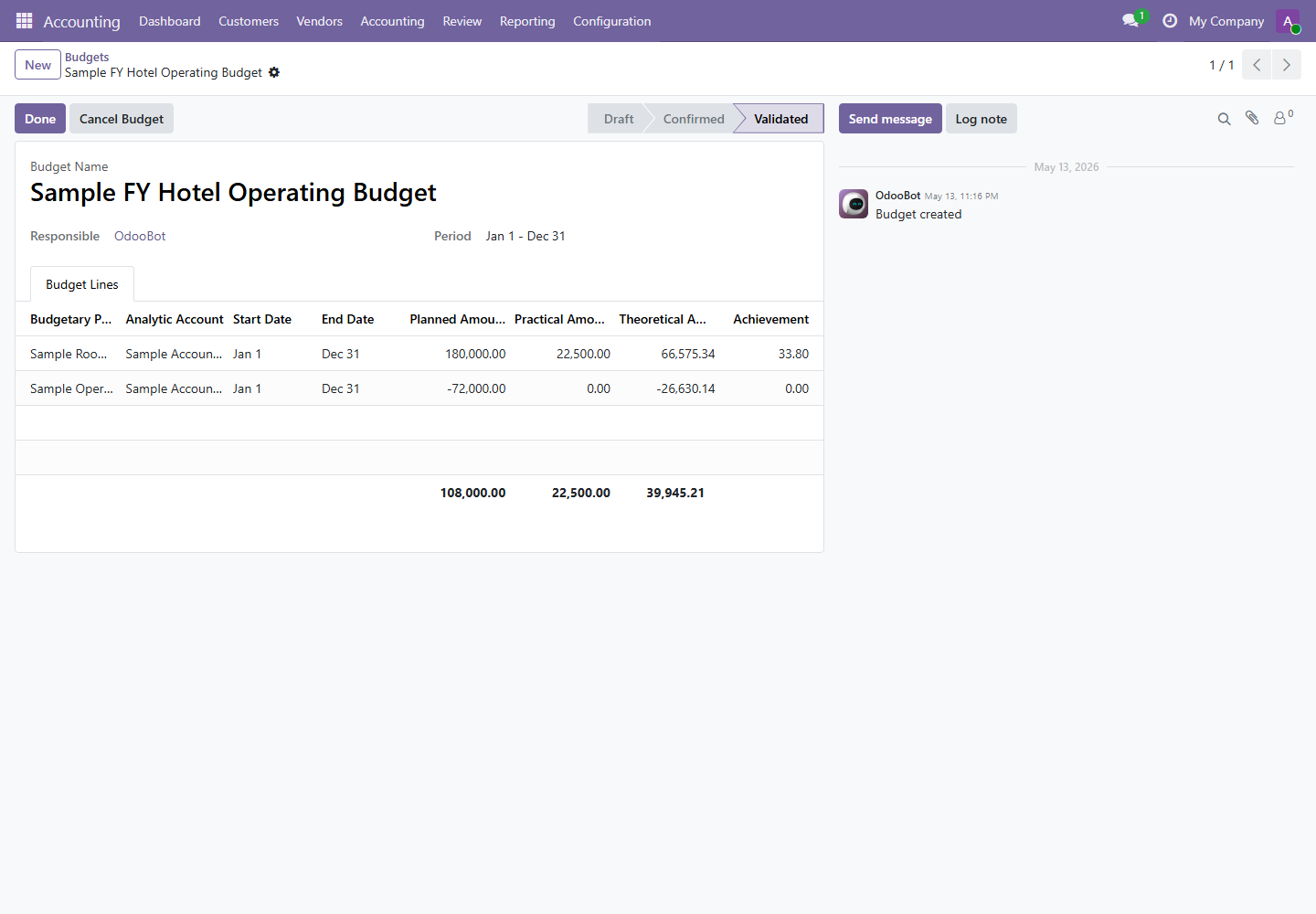
Menu path: Accounting / Accounting / Budgets
Budgets compare planned amounts with actual practical amounts and theoretical progress for the period. Hotel budgets can be generated from hotel setup through the accounting bridge.
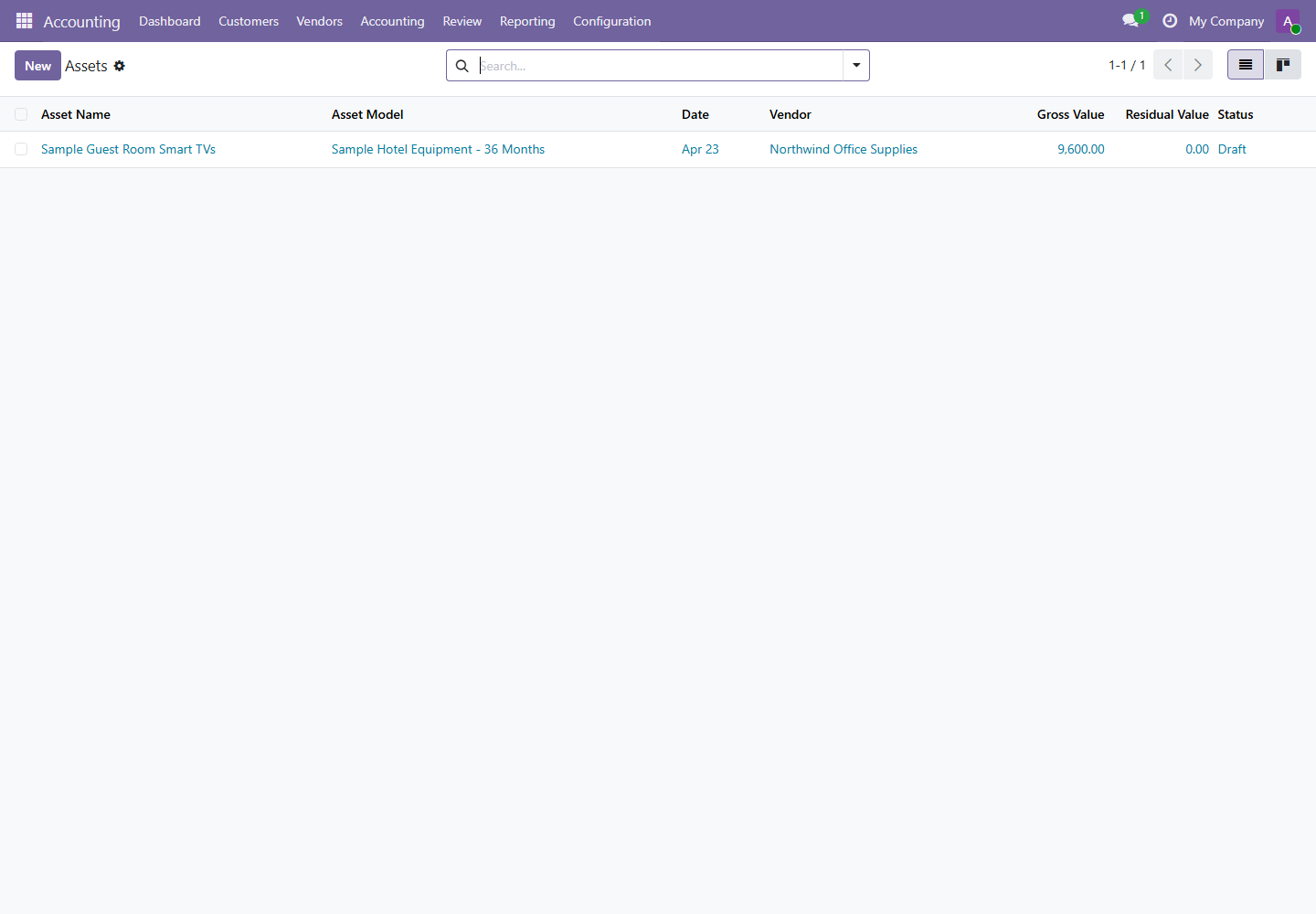
8. Assets
Menu path: Accounting / Accounting / Management / Assets
Assets control capitalization and depreciation. Use asset types to define depreciation accounts, journal behavior, method, and duration.
9. Follow-up Reports
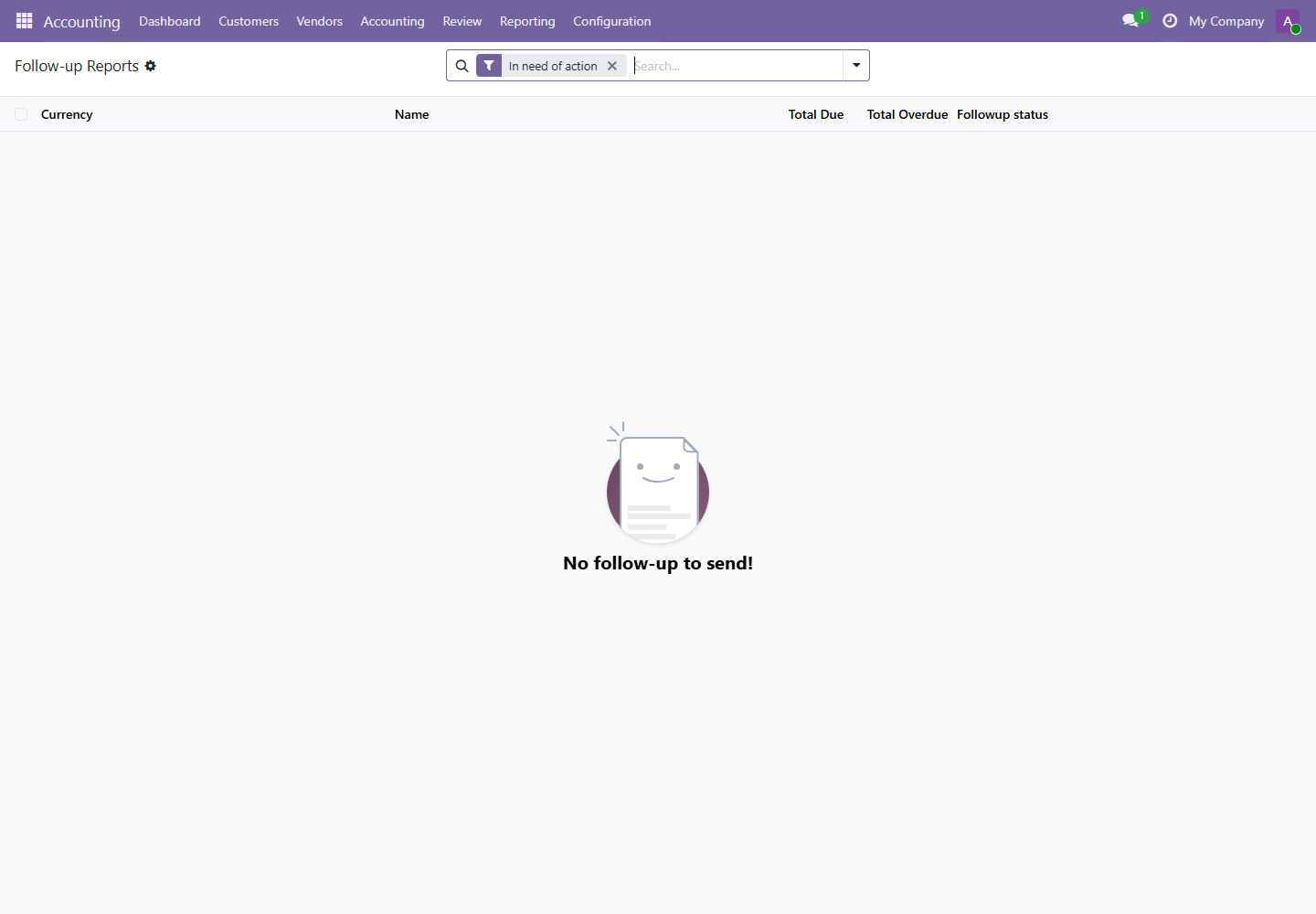
Menu path: Accounting / Customers / Follow-up Reports
Follow-up reports help accounting monitor unpaid customer balances and decide collection action.
10. Period Control and Lock Dates
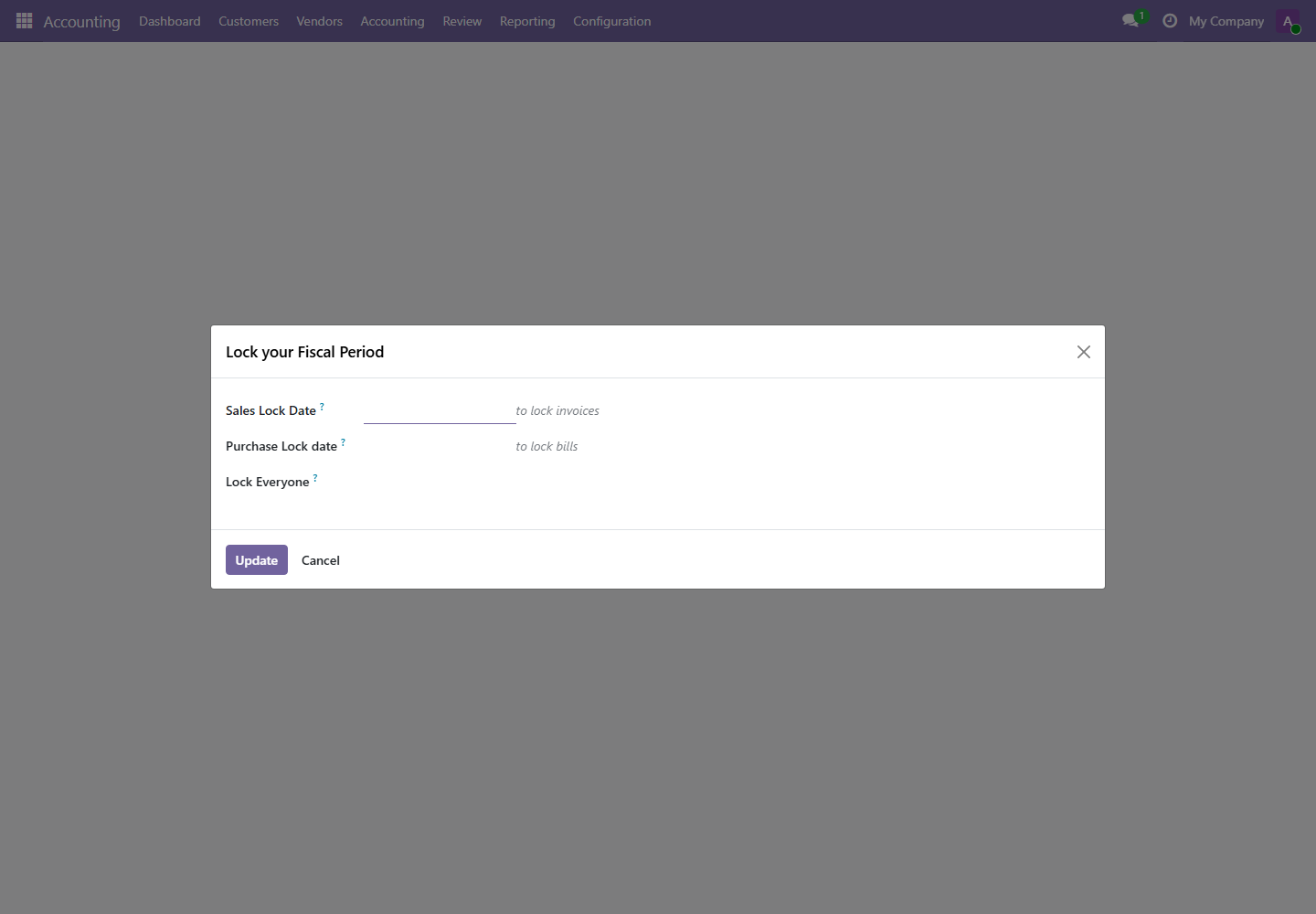
Lock dates protect closed periods from accidental changes. Use them only after reconciliation and manager approval.